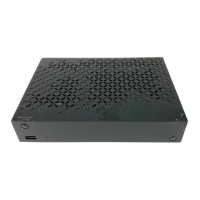
GB4
Rear
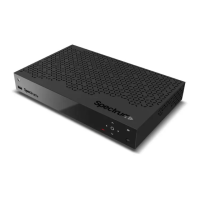
Note: The image may differ from the actual product.
1. Cable In: Connect to a coaxial cable from your service provider.
2. Network: Connect an Ethernet cable for Internet connection.
3. USB: Connect a USB storage device for media content.
4. HDMI: Use an HDMI cable to connect a high definition TV.
5. Digital: Use an S/PDIF cable to connect to the audio system.
6. Analog: Use an RCA cable to connect to the audio system.
7. Power : Use the AC adaptor to connect to the power supply.
Front
Note: The image may differ from the actual product.
1. Power: Switches between operation and standby modes.
2. Navigation: Moves the cursor up, down, left or right. Selects a menu or
confirms a selection.
3. Menu: Displays the navigation keys on the front panel.
4. USB: Connect a USB storage device (5V 500mA).
5. Reset: Restart the product.
Note: The product information label is on the bottom of the product.
Quick Start Guide
4 5
1 2 3



 To Next Page