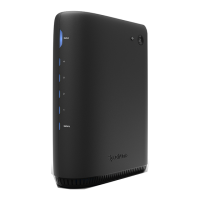
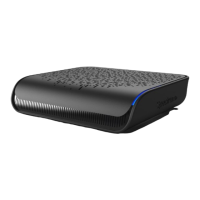
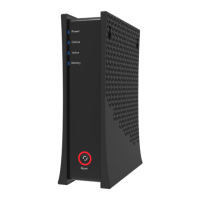
2Spectrum Modem
Understanding Device Connections
Rear Panel:
Voice 1-2: Use to connect analog telephones to the device. Telephone service must be enabled
by the service provider.
Cable: Use to connect to the coaxial cable from your Internet service provider.
Ethernet (Internet): Connects to an Ethernet-enabled device such as a wireless router using
an RJ45 Ethernet cable.
Power: Connects to the power adapter. Plug the other end into the wall power outlet.
Battery: Use to connect to an optional external battery. The battery connection is for voice services.
DOCSIS 3.1 eMTAback of battery backup
DC power
connector
DC power connector
battery connector
battery
connector



 To Next Page