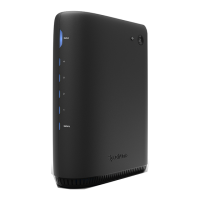
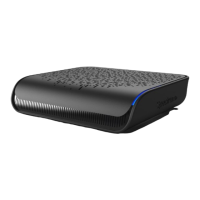
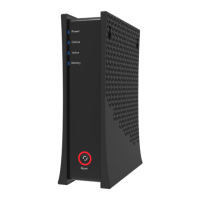
3Spectrum Modem
Installing Modem
1. Connect the coaxial cable (not supplied) to the Cable connector on the rear panel of
the eMTA and connect the other end to the cable wall outlet. Do not bend or over tighten
the cables, as this may strain the connector and cause damage. To connect an eMTA and a
television to the same wall outlet, you must use a cable line splitter (not included).
2. Connect the Ethernet cable (supplied) to the Ethernet (Internet) port on the back panel of
the eMTA and connect the other end to an Ethernet port on a wireless router (or other
Ethernet-enabled device).
3. Connect an RJ-11 phone cable (not supplied) to the Voice 1 or 2 port on the modem (when
end to the phone port of the telephone. If voice service is not provisioned through the
service provider, telephone service is not available.
4. Connect the power adapter (supplied) to the Power port on the modem. Connect the other
end to a power outlet.
Installation Diagram
XXXXXXXXXXXXXXX
electrical outlet
power supply
(modem)
power supply
(router)
electrical outlet
cable outlet
coax cable
DOCSIS 3.1 eMTA
WiFi router
phone
cable
Ethernet cable
phone
splitter



 To Next Page