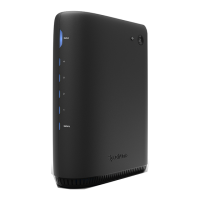
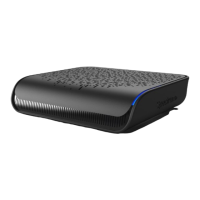
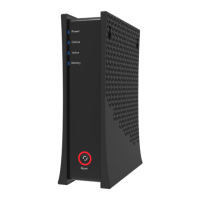
4Spectrum Modem
Device Wall Mount Instructions
You can mount the EU2251 on a wall using the 2 mounting brackets on the side of the device. Two round or
To mount the device on a wall:
1. Install the 2 screws horizontally on the wall 140 mm (5.51 inches) apart.
Note:
wall. If you install the screws in drywall, use hollow wall anchors to ensure the unit does not pull away from the wall
due to prolonged strain from the cable and power connectors.
2. Mount the device on the wall.
Note to CATV System Installer:
This reminder is provided to call the CATV systems installer's attention to section 820-93 of the National Electric
Code, which provides guidelines for proper grounding and in particular, specify that the Coaxial cable shield shall
be connected to grounding system of the building, as close to the point of cable entry as practical.
Label Size in Millimeters (mm)
A 9.5 +/- 0.2
B
3.7 +/- 0.1
C 34.5 +/- 0.2
140 mm (5.51 inches)
A B C



 To Next Page