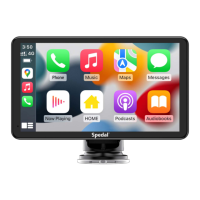
English-07
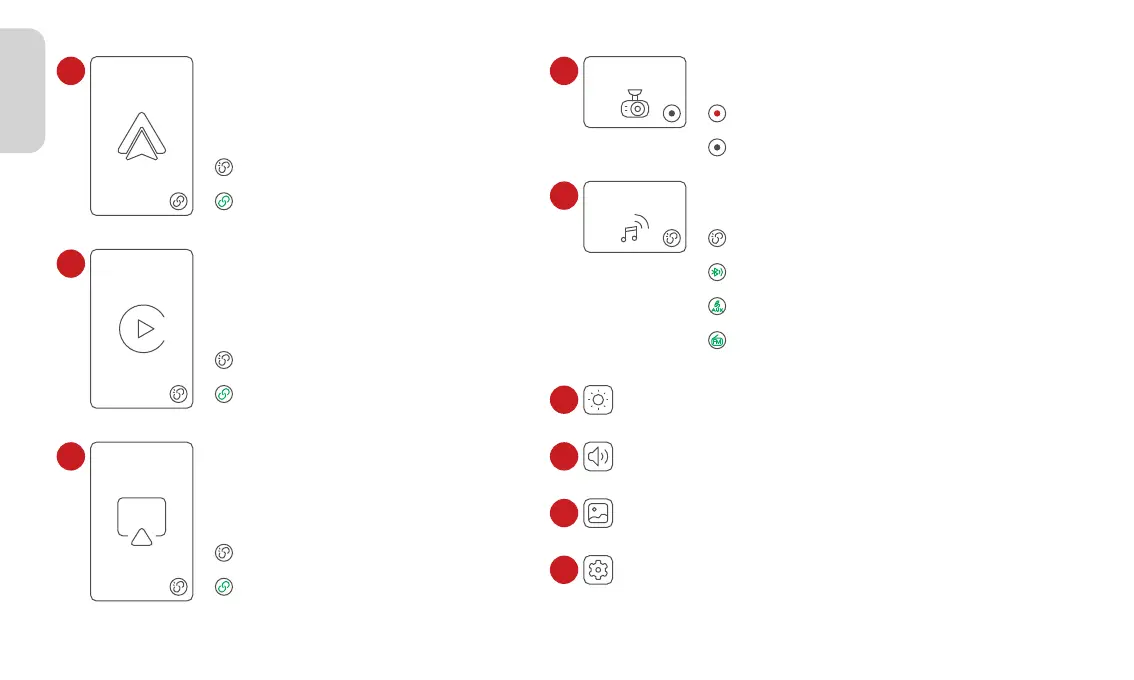
CarPlay
Android Auto
AirPlay
2
3
4
Android Auto connected to the device.
Android Auto not connected.
Android Auto
Apple CarPlay
Apple AirPlay
Apple CarPlay connected to the device.
Apple CarPlay not connected.
Apple AirPlay connected to the device.
Apple AirPlay not connected.
DVR
Audio Out
5
6
7
8
9
10
DVR
Sound plays from the device built-in speaker.
Sound plays from the car via Bluetooth connection.
Sound plays from the car via AUX connection.
Sound plays from the car via FM Transmitter.
Adjust the screen brightness.
Brightness adjustment
Adjust the system volume.
Volume adjustment
Playback
View photos and videos.
System settings and Video settings.
Settings
Recording Off.
Recording On.
Audio Out



 To Next Page