EasyManua.ls Logo

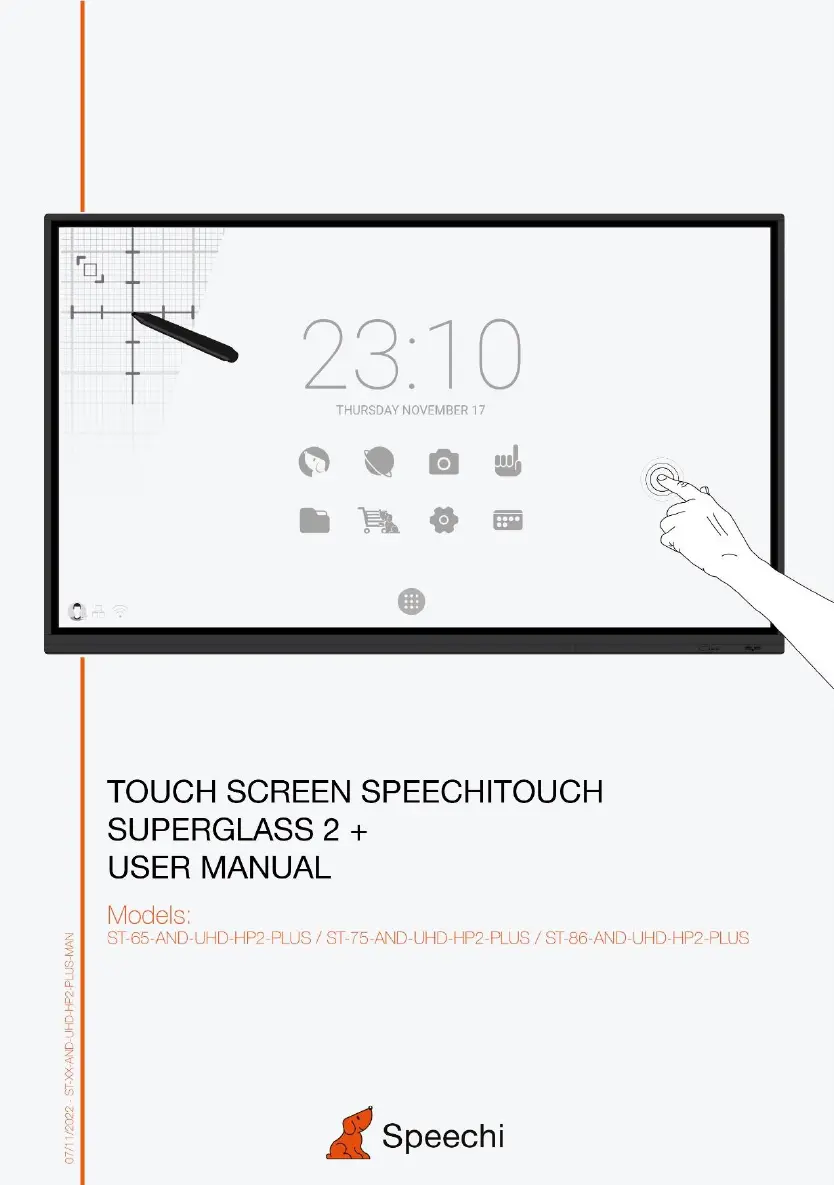
Speechi SPEECHITOUCH SUPERGLASS 2+ - User Manual

Default Icon
21 pages
Print Icon
To Next Page IconTo Next Page
Loading...

Questions and Answers

Summary

Safety and Usage Precautions

Placement Guidelines

Safety guidelines for positioning the unit.

Power Supply Safety

Precautions for using the power cable and supply.

LED Screen Care and Operation

Best practices for screen longevity and performance.

Operating Environment: Temperature & Humidity

Recommended temperature and humidity ranges.

Ventilation, Earphone, and Battery Safety

Guidelines for ventilation, earphone use, and battery disposal.

Cleaning and Maintenance Notes

How to clean the unit and maintenance requirements.

Control Panel Overview

Installation Preparation

Steps to prepare for control panel installation.

Terminal Interface Descriptions

Detailed explanation of all input/output ports and connectors.

Remote Control Operations

Remote Control Button Functions

Explains the function of each button on the remote.

Remote Control Detailed Functions

In-depth explanation of remote control features.

Battery Installation and Range

Guide to installing batteries and understanding remote range.

Connecting and Setting Up

External Computer and Touch Setup

Connecting PCs for touch and display.

Audio, Video, and USB Connectivity

Connecting audio, video sources, and USB devices.

Other Connections: TF, LAN, RS232

How to connect TF cards, networks, and serial devices.

Troubleshooting Guide

Machine Operation Failures

Solutions for when the machine doesn't work as expected.

PC Mode Display Problems

Resolving display errors in PC mode.

Touch and Video Function Issues

Troubleshooting touch input and video display problems.

Audio Output Problems

Solutions for audio playback issues.

Maintenance and Care

Screen Cleaning Procedure

Step-by-step guide for cleaning the touch screen.

Frame Care and Storage

Cleaning the frame and precautions for long periods of non-use.

Speechi SPEECHITOUCH SUPERGLASS 2+ Specifications

General IconGeneral
BrandSpeechi
ModelSPEECHITOUCH SUPERGLASS 2+
CategoryTouchscreen
LanguageEnglish