EasyManua.ls Logo

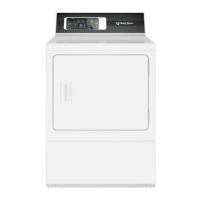
Speed Queen Alliance DR7003WG - User Manual

Speed Queen Alliance DR7003WG
21 pages
Print Icon
To Next Page IconTo Next Page
Loading...
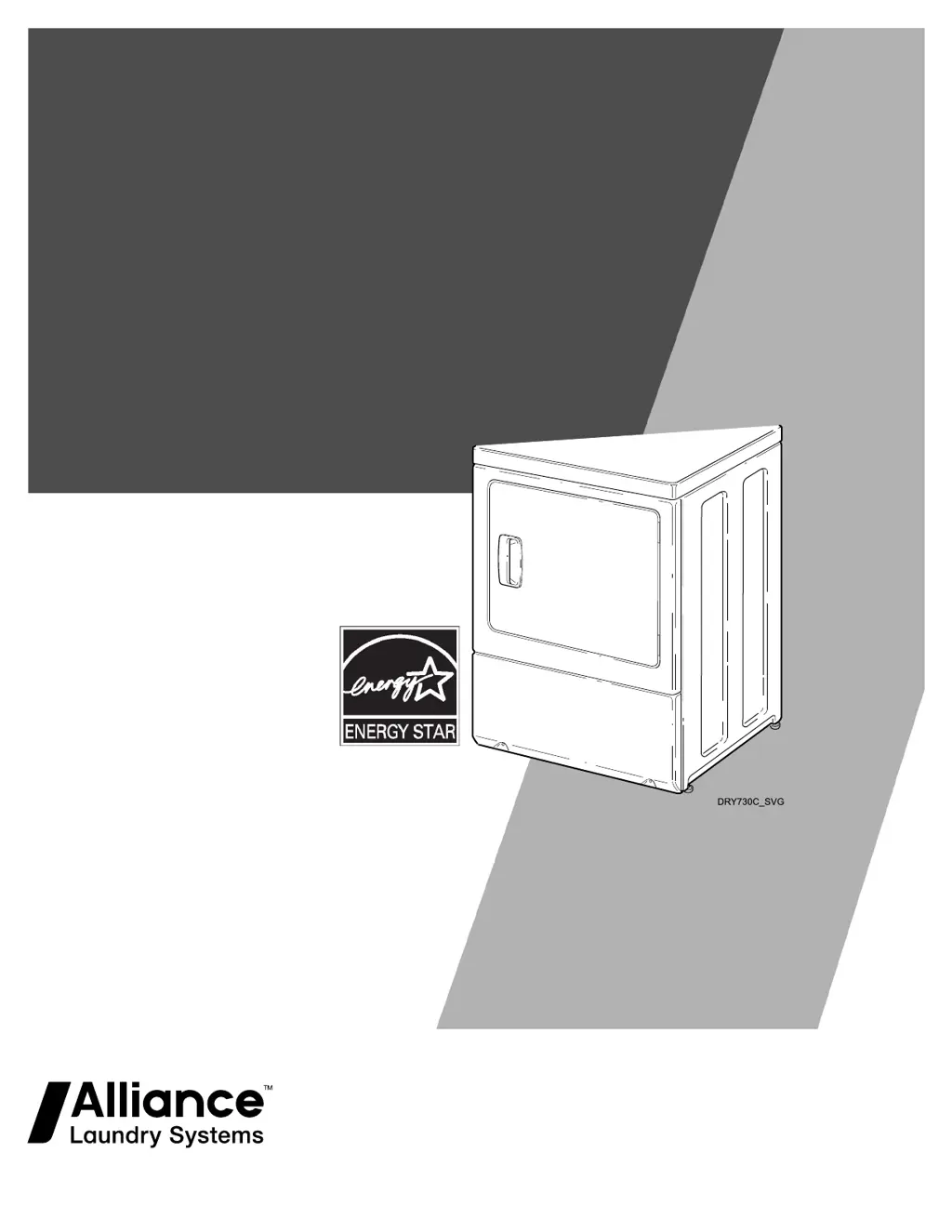
User's Guide
f
or Dryers
Original Instructions
K
eep These Instructions for Future Reference.
CAUTION: Read the instructions before using the
machine.
(If this machine changes ownership, this manual
must accompany machine.)
www.speedqueen.com
Part No. D518541ENR3
A
ugust 2022

Questions and Answers

  • A
    aaronhurstAug 16, 2025
    What to do if my Speed Queen Dryer won't start?
    • D
      davidwatsonAug 16, 2025
      If your Speed Queen dryer isn't starting, ensure the power cord is fully plugged into the outlet. Also, check that the loading door is completely closed. Press the Start/Pause button to initiate the drying cycle. Verify that the laundry room's fuse(s) aren’t blown or loose, and that circuit breakers are not open. Finally, the motor overload protector might have cycled; wait 10 minutes before trying again.
  • S
    Shelley RobertsonAug 19, 2025
    Why is my Speed Queen Dryer not heating?
    • A
      Anna MathisSep 12, 2025
      If your Speed Queen dryer isn't heating, first, check the laundry room's fuses and circuit breakers. Make sure the control isn't in the Cooling part of the cycle, the Extended LED isn't lit, or the temperature selection isn't set to No Heat. Confirm that the equipment and main gas line valve are turned on. Inspect the exhaust duct for any kinks, blockages, or the need for cleaning. Also, check the weather hood to ensure the flapper moves freely and isn't blocked.
  • B
    Blake FaulknerAug 22, 2025
    How to fix a Speed Queen Dryer that doesn't dry clothes well?
    • J
      Jennifer GutierrezAug 22, 2025
      To improve drying performance in your Speed Queen dryer, start by checking the exhaust duct for kinks, blockages, or cleaning needs. Ensure the weather hood flapper moves freely. Adjust the Dryness selection and allow more or less drying time as needed. Clean the lint filter. Avoid loads that are too small. Separate heavy items from lightweight items for more even drying.
  • M
    Michael JimenezAug 25, 2025
    Why are items damp or wet after steam cycle in my Speed Queen Alliance DR7003WG Dryer?
    • G
      George BoydAug 26, 2025
      If items are damp or wet after the steam cycle in your Speed Queen dryer, avoid overloading the machine and do not use overly damp items.
  • G
    George ReevesAug 27, 2025
    Why is there a small amount of water on the door or in the drum of my Speed Queen Alliance DR7003WG Dryer?
    • J
      Joel HardyAug 28, 2025
      When using the steam options on your Speed Queen dryer, it is normal for condensation to occur on the door or in the drum.
  • A
    Amy ColemanAug 31, 2025
    What to do if clothes are too wrinkled after drying in my Speed Queen Dryer?
    • R
      Ryan Brown MDAug 31, 2025
      If clothes are excessively wrinkled after drying in your Speed Queen dryer, review the heat setting, as overdrying can cause wrinkles. Also, check the load size; large loads may not tumble properly. Consider using the Steam Boost feature to help release wrinkles.
  • M
    matthewpadillaSep 3, 2025
    What does 'Er, ro' mean on my Speed Queen Alliance DR7003WG Dryer digital display?
    • G
      gibsonrobinSep 3, 2025
      The 'Er, ro' code on your Speed Queen dryer's digital display indicates that the dryer’s motor overload protector has cycled. You can clear the control by pressing the Start/Pause button, and then restart the dryer by pressing the Start/Pause button again. If the code reappears, stop using the dryer and call a service person.
  • N
    Nancy BentonSep 6, 2025
    Why do my clothes have an odor after using my Speed Queen Alliance DR7003WG?
    • S
      Shawn FoxSep 6, 2025
      If your clothes have an odor after drying in your Speed Queen dryer, check the room for any existing odors before drying. Ventilate the room before drying clothes to ensure a fresh environment.
  • M
    Michael SmithSep 8, 2025
    Why does the cycle advance too slowly on my Speed Queen Alliance DR7003WG?
    • N
      Natalie RobertsonSep 8, 2025
      If the cycle on your Speed Queen dryer is advancing too slowly, remember that in an Auto-Sensing cycle, the drying time depends on the type and size of the load.
  • E
    Elizabeth NicholsSep 12, 2025
    Why is there a small amount of water on the floor in front of my Speed Queen Alliance DR7003WG?
    • A
      April HarperSep 12, 2025
      If you find a small amount of water on the floor in front of your Speed Queen dryer, it may be due to condensation dripping from the door when opened. Also, try adding more items to the load.

Summary

Product Registration

Contact Information

Safety Information

Safety Message Definitions

Defines the meaning of DANGER, WARNING, CAUTION, IMPORTANT, and NOTE statements used in the manual.

Important Safety Instructions

Provides essential safety precautions for using the dryer to minimize risks.

Before Drying

Energy Saving Tips

Offers advice on optimizing dryer usage for energy efficiency.

Helps and Hints

Provides useful tips and cautionary advice for drying clothes.

Sorting Clothes for Drying

Guidance on sorting clothes by color, fabric type, and heat requirements.

Proper Load Size and Technique

Instructions on proper loading techniques to ensure efficient drying and prevent damage.

Operating Your Dryer

Cycle Selection Guide

Details on choosing the appropriate drying cycle based on fabric type and desired outcome.

Auto-Sensing and Pet Plus Cycles

Explains automatic sensing, pet hair removal, and item refresh cycles.

Manual and Steam Cycles

Instructions for using manual time-based cycles and steam cycles.

Cycle Selections and Settings

How to modify cycle settings like temperature and dryness level.

Drying Options

Features to customize drying cycles, including Extended Tumble, Steam Boost, and Anti-Static.

Status Indicators and Alerts

Explains status lights, alerts, digital display, and idle mode.

How to Dry Clothes

Step-by-step instructions for loading and starting a drying cycle.

Optional Drying Rack Usage

Instructions for using the optional drying rack for specific items.

Maintenance

Lubrication

Information on the sealed lubrication system and lack of need for additional lubrication.

Care of Your Dryer

Instructions for cleaning the dryer interior, cabinet, control panel, and exhaust system.

Motor Overload Protector

Explanation of the motor overload protector and its function.

Lint Filter Cleaning

Instructions for cleaning the lint filter before each load and annually.

Troubleshooting

Dryer Wont Start

Common causes and solutions when the dryer fails to start.

Dryer Wont Heat

Troubleshooting steps for a dryer that is not producing heat.

Drying Performance Issues

Solutions for issues related to inefficient or incomplete drying.

Dryer Noises and Wrinkling

Addresses common issues like unusual noises and wrinkled clothes.

Odors and Slow Cycles

Solutions for clothes odors and cycles that advance too slowly.

Error Codes and Steam Cycle Issues

Interprets error codes and resolves steam cycle related problems.

Water Leakage and Condensation

Troubleshooting water on the door, drum, or floor.

Warranty and Service Information

Details on non-warranty items and how to contact service.

Speed Queen Alliance DR7003WG Specifications

General IconGeneral
BrandSpeed Queen
ModelAlliance DR7003WG
Capacity7.0 cu. ft.
ColorWhite
Drying CyclesMultiple
Wrinkle Prevention OptionYes
Energy Star CertifiedNo
Dryer VentingVented
Control TypeElectronic

Related product manuals