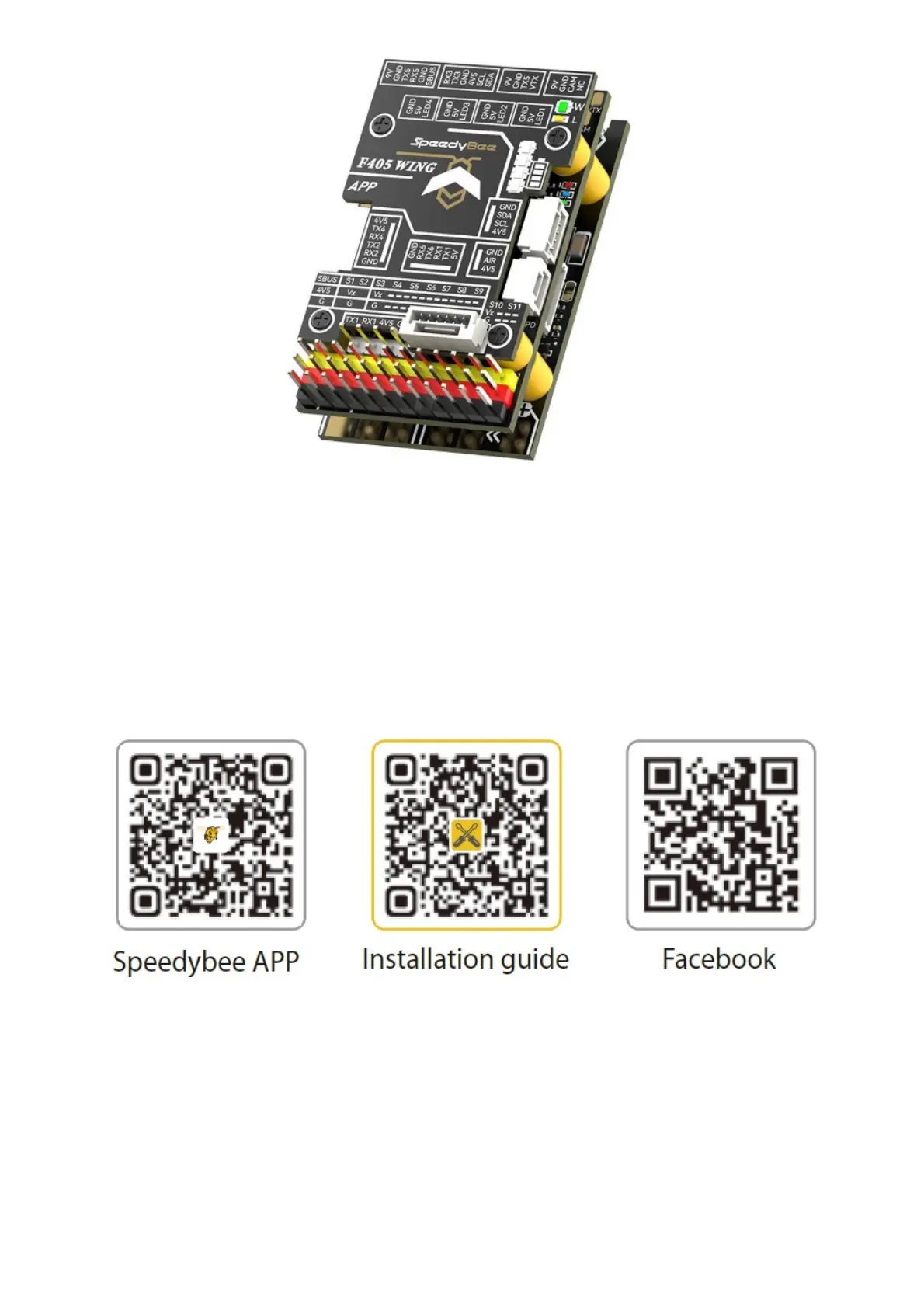
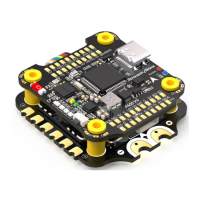
Product Information
The Quick Start Guide TOPBoard FC Board is a wireless board designed for use in drones. It includes a PDB
board and a USB extender. It supports INAV / Ardupilot firmware and can be powered by a 2-6S LiPo battery with
52cL x 32cW x 19cH mm dimensions and a weight of 35g with the USB extender. The board features wireless
configuration, LED strip controller, and battery level indicator. It also comes with a Speedybee APP Installation
guide.
Overview
Usage Instructions
After assembling the board, connect it to your drone’s power source and configure it using the Speedybee APP
installation guide. The board supports INAV / Ardupilot firmware and can be used to control motors and servos
with the motor and servo output pin header. The board also includes a buzzer, USB TYPE-C port, buzzer mute
switch, FC RGB status indicator, and a BOOT button. Press and hold the BOOT button while powering on to enter
DFU mode for firmware flashing. When the FC is powered on and in operating state, the BOOT button is also
used for controlling other functions of the wireless board.
Specification Overview



 To Next Page