EN
5
AS3000 and Forward Programming Setup Instructions
First Time Setup
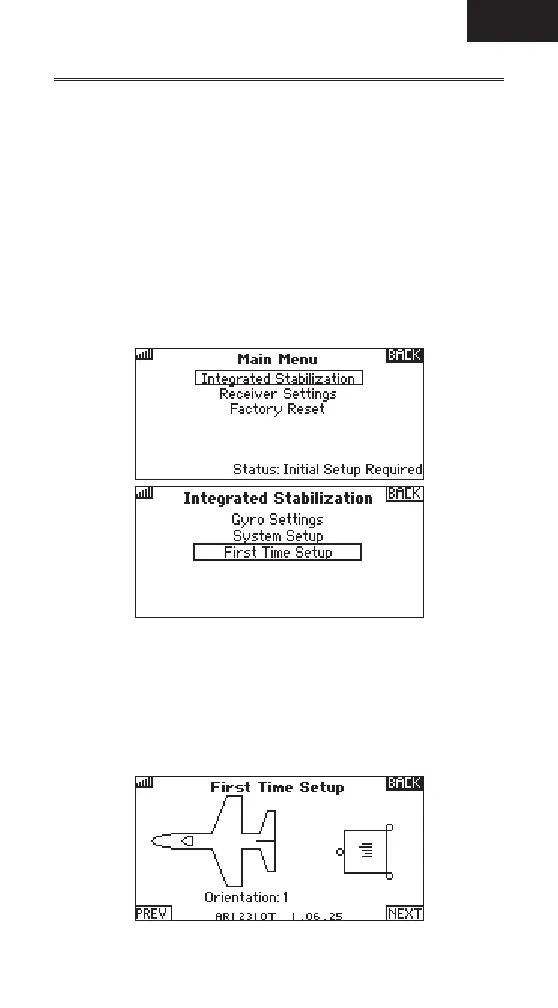
1. Enter the Function list in the transmitter, and roll to and select
ForwardProgramming.
2. In the Forward Programming menu, press the roller to enter
IntegratedStabilization.
3. Roll to and select First Time Setup. Before proceeding with setup, read each
of the 2 information screens that appear, select NEXT at the bottom of each
page to continue.
IMPORTANT: Do not continue setup if the model has not been own and
properly set up.
IMPORTANT: Any changes to the model setup require re-running First Time Setup.
Orientation
1. Select Orientation, and press the roller to change if necessary.
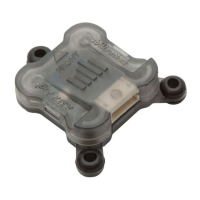
IMPORTANT: Eight orientation options are available. Select the orientation
that correctly matches the orientation of the AS3000 in the model.
2. After the orientation is correct, roll to next and press to enter or roll to PREV
to return to the previous menu.



 To Next Page