Available options: On, Off.
Available options: Video, Graphic.
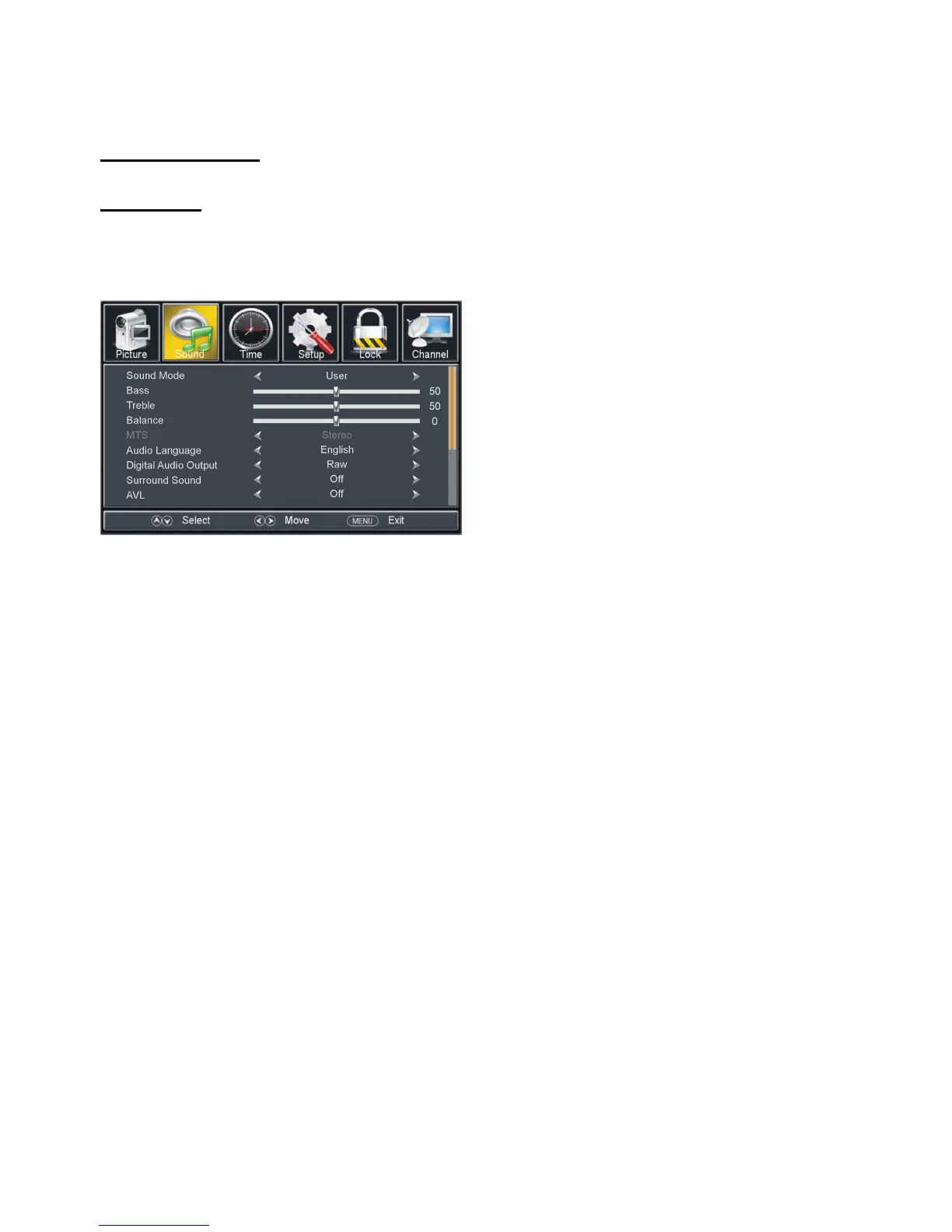
Available options: Standard, Music, Movie, User.
The value of Bass can be adjusted from 0-100.
The value of Treble can be adjusted from 0-100.
The value of Balance can be adjusted from -50 to 50.
NOTE: The value of Bass and Treble is adjustable only when Sound Mode is User.
2.5 MTS (Multi-channel Television Sound)
This item is used to select preferred sound track.
NOTE: MTS is adjustable only when viewing channels which contain related MTS
This item is used to select preferred audio language.



 To Next Page