- Press ENTER button to block or unblock it.
Available options: Off, G, PG, PG-13, R, NC-17, X.
Available options: Off, C, C8+, G, PG, 14+, 18+.
Available options: Off, G, 8 ans+, 13 ans+, 16 ans+, 18 ans+.
NOTE: Input Block, US Rating and Canada Rating items are adjustable only when System
This item is available only when viewing channels which contain related Advance Rating
This item is used to reset RRT Rating.
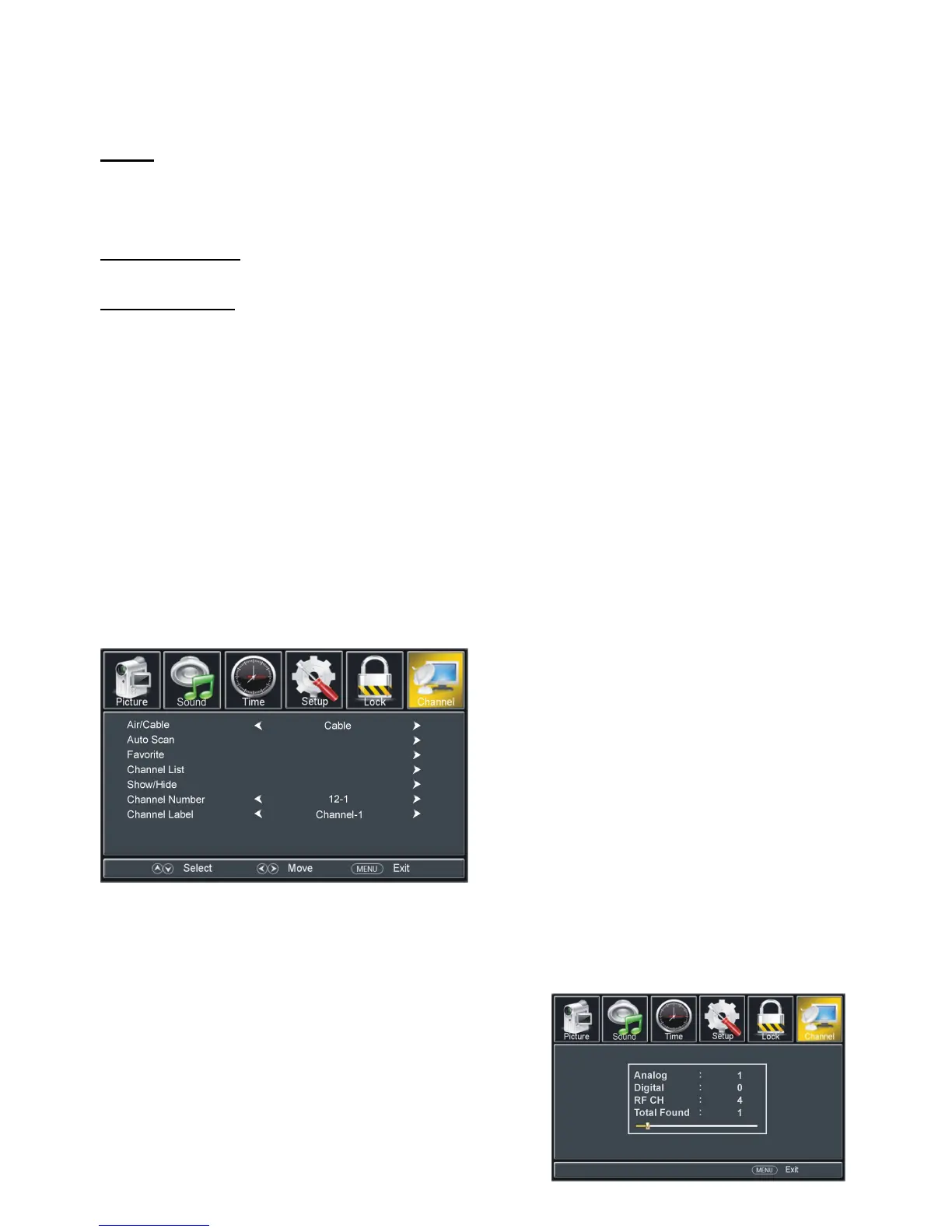
This item is used to select preferred signal receiving Type.
-Press RIGHT or ENTER button to enter it.
- Then a dialog box will appear on the screen. Select
No to return to upper menu page, and select Yes to
start auto channel searching.
- Press MENU or EXIT button to exit auto channel



 To Next Page