SpinetiX SA, Rue des Terreaux 17, CH-1003 Lausanne, Switzerland
T +41 21 341 15 50 | F +41 21 311 19 56 | info@spinetix.com | www.spinetix.com
16
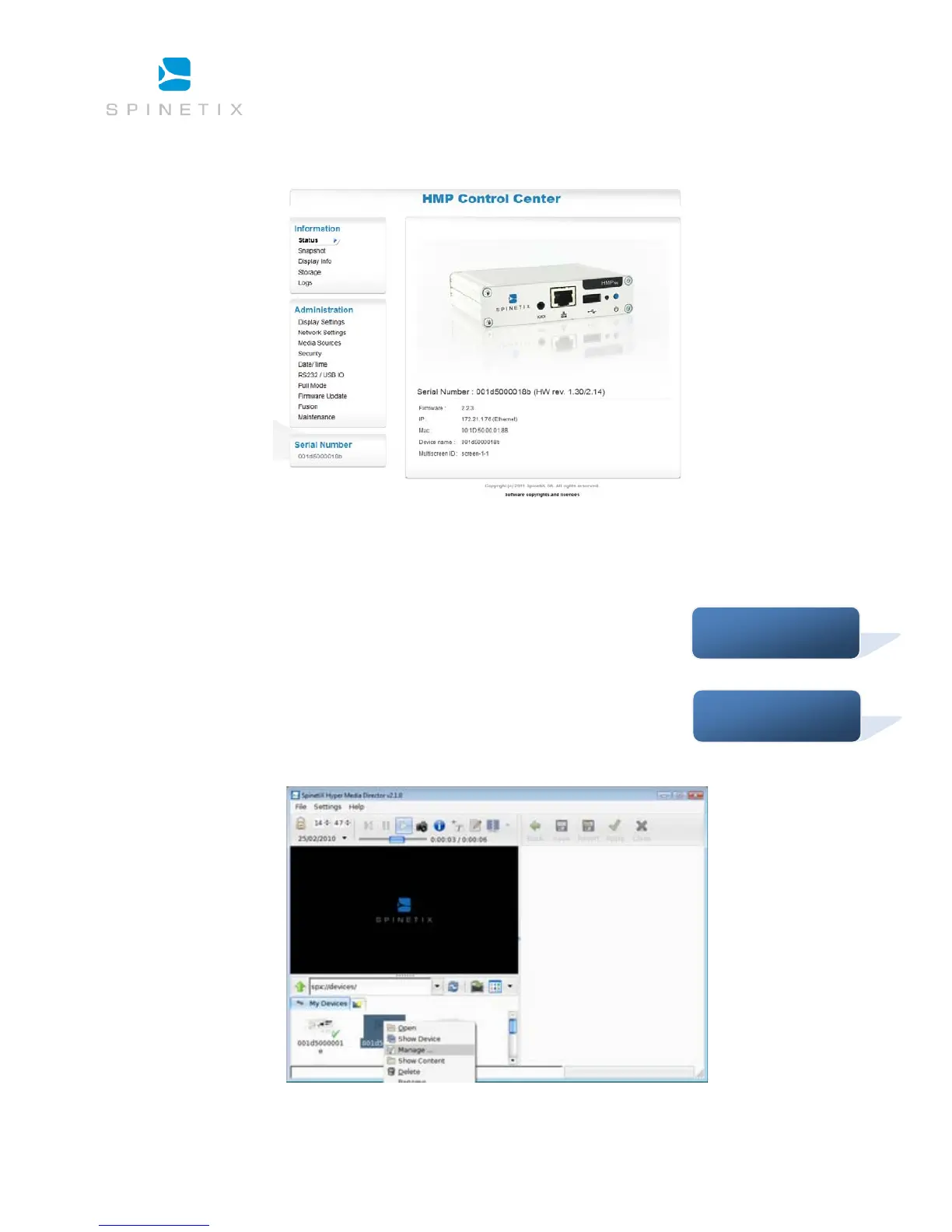
The browser should connect to Control Center and display the following page:
Congratulations. You can now explore the configuration interface of your Hyper Media Player.
Troubleshooting
If you have not been able to connect to your HMP, check the Support Wiki for troubleshooting steps.
The Support Wiki also details the latest recommended 3rd party plug-ins that can assist with device
discovery. A simply way to directly open Control Center for a given HMP is via HMD:
1. If you are using Safari, then the list of HMPs can be found under the bookmark menu. All devices compatible with Bonjour will
be listed in “My Devices”:



 To Next Page