SpinetiX SA, Rue des Terreaux 17, CH-1003 Lausanne, Switzerland
T +41 21 341 15 50 | F +41 21 311 19 56 | info@spinetix.com | www.spinetix.com
6
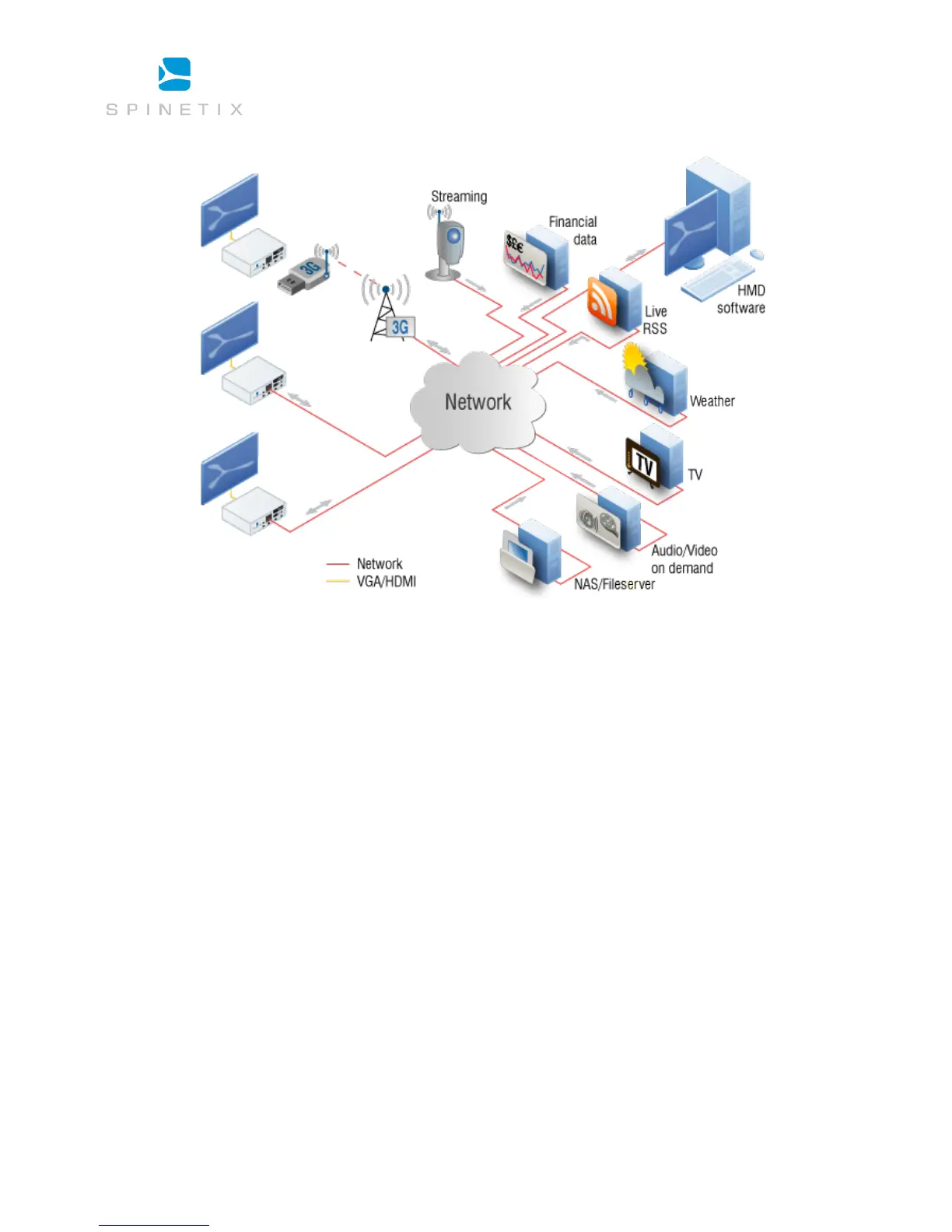
HMP’s can access various sources and render them within the same project
Easy Installation and low maintenance
In high-availability environments where uptime must be guaranteed 24/7, installing PCs and keeping them updated, upgraded and in
correct working order is the task of a dedicated team of IT specialists and regular visits from technicians. This overhead represents
unnecessary expense, and the poor suitability of PCs means power is wasted, excessive heat is generated and components are worn
out quickly.
HMPs have been designed to simplify both the installation and the maintenance tasks by offering:
• Complete Plug & Play – no proprietary driver installation
• Top reliability – “five nines” annual uptime
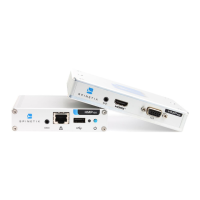
• Smallest form factor – smaller than a PC hard drive
• Remote monitoring – peace of mind
Complete Plug & Play setup
As dedicated appliances, the SpinetiX HMPs are truly “plug and play”.
Power on your HMP by plugging in the power line and connecting the video cable (HDMI and/or VGA) to a digital display. After power-
on, the HMP boots in a few seconds and automatically selects the best resolution supported by the digital display. Content rendering
beings in less than 1 minute from cold.



 To Next Page