SPINNING® STUDIO CONSOLE OWNERS MANUAL
19
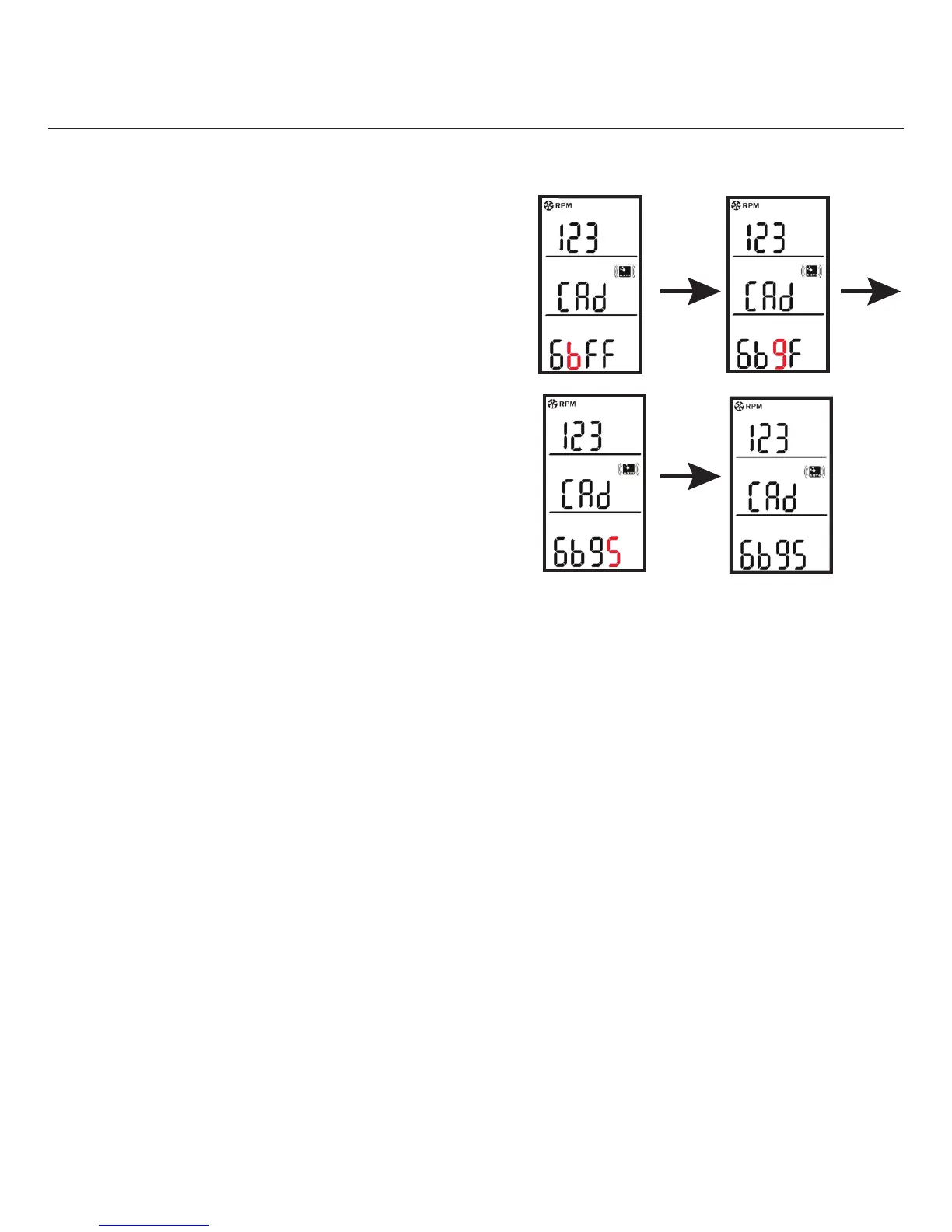
3. Press Mode again to display the
code entry screen.
4. Hold Start/Pause/Resume until
the first number or letter at the
bottom of the screen begins
flashing.
5. Enter the four digit code on the
cadence sensor using Backlight
to scroll up through each number
and letter.
6. Press Mode to enter your
selection and proceed to
the next digit.
7. When all four numbers or letters
have been entered into the
console, press Mode to save and
return to the cadence information
screen.
M M
M
Figure 8


 To Next Page