Operating Your Tennis Ball Machine
Your tennis ball machine can be operated via the machine’s control panel,
Drill Maker app, Spinshot Remote Watch (optional accessory), or Apple
Watch.
Starting Your Machine
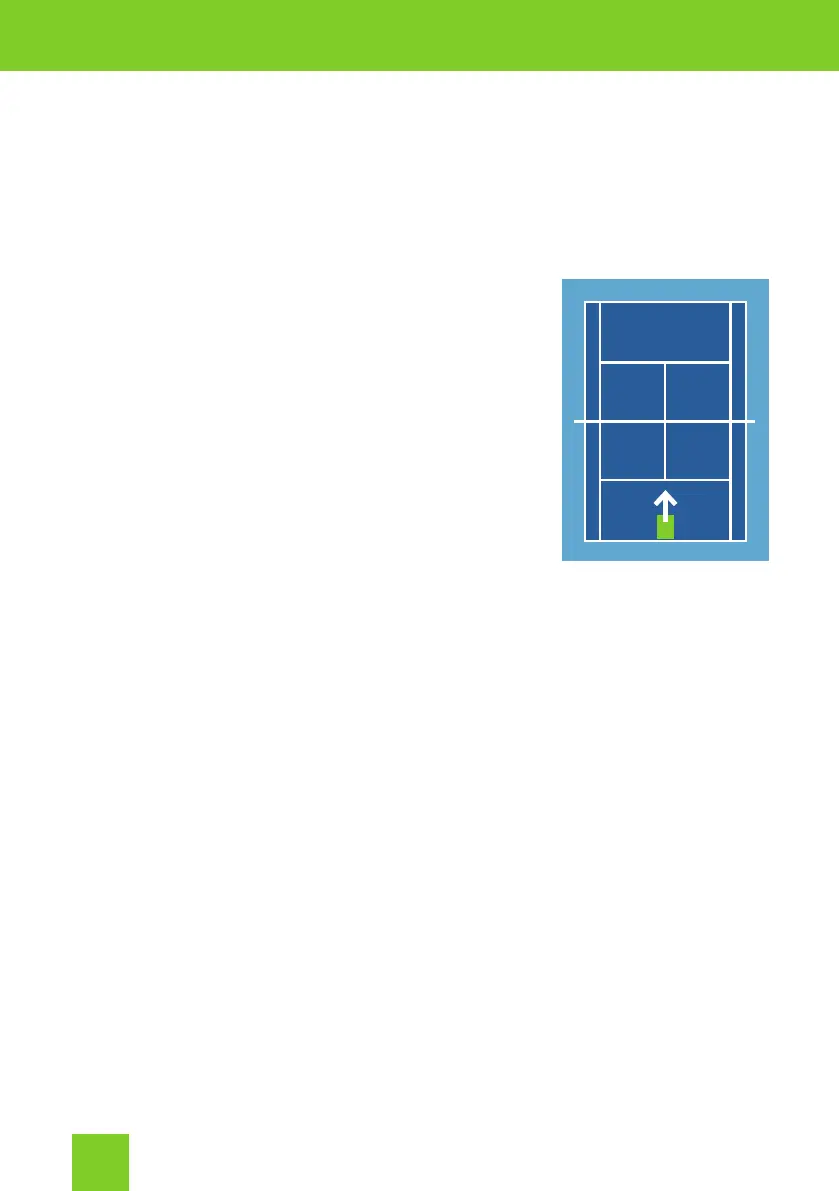
Machine Position On Court
The standard position for the ball machine is the
center of the baseline at the far end of the court.
Tennis Balls
Fill the ball hopper with up to 120 tennis balls.
Do not overll the hopper.
Powering Up The Machine
Use the Power switch to turn on the machine.
The machine will perform an initialization sequence for about 10 seconds.
During this time the machine will turn left and right and the service wheels
will begin to spin. The current battery voltage will be displayed on the LCD
screen. The machine will beep three times to signal it is ready.
After the initialization sequence, reposition the machine so it is centered.
This will ensure balls are delivered the full width of the court when horizontal
oscillation is used.
Press Start to start the ball feed. After a few seconds the feeder tray will
begin to rotate and the ball delivery will start.
If the balls are being delivered too far to one side, turn the machine slightly
to the opposite side.
Stopping the Ball Feed
To pause the ball feed using the control panel, press the Stop button.
To pause the ball feed lusing the Remote Watch, long press (over two
seconds) the button. The Remote Watch is an optional accessory. Not all
machines are tted with this feature.
2


 To Next Page