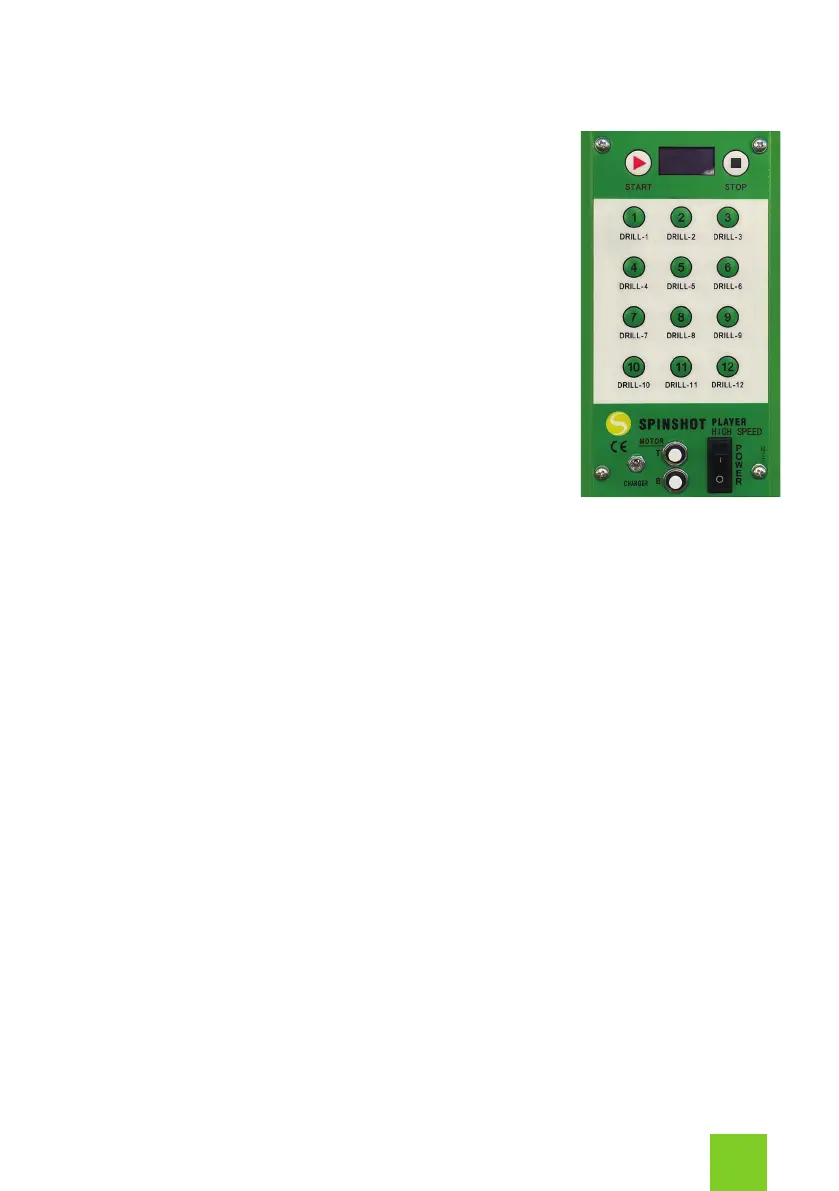
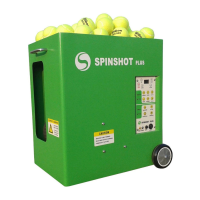
Control Panel
Start Button
The START button will start the ball feed. Every time
you switch the machine power on, and once the
initialization is completed, you need to press the
START button to start the machine. Your machine
will not accept any setting changes until you have
pressed the START button.
Stop Button
The STOP button will pause the ball feed. The main
motors will continue to run until you power off the
machine. You do not have to stop the machine to
switch between drills.
To completely turn off the machine switch the Power
to off.
Drill Buttons 1-12
After the machine is powered on and the initialization is completed, press the
Start button before you select a drill.
Press buttons 1 - 12 to select the machine’s programmed drills. You can use
the factory set programmed drills, or customize your own drills using the Drill
Maker App on your phone. Please refer to the Drill Maker App section for
how to use the App.
Charger
To charge your machine plug the charger cable into the charging port and the
other end into a power outlet.
Please read the Battery Charging section for full instructions on charging your
machine.
3


 To Next Page