User Manual, Spintso Referee Watch S1 PRO, vers 2.0
22 (30)
User Manual, Spintso Referee Watch S1 PRO, vers 2.0
23 (30)
7.4.2. Training
The training record includes health statistics for the Spintso training programs.
The following health data is recorded.
• Measuring time
• Distance
• Average heart rate
• Maximum heart rate
• Number of steps
• Calorie burn
• Average speed.
• GPS trace. (Only presented in the APP)
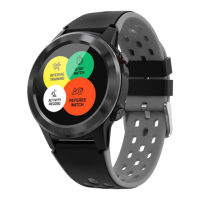
8. OTHER FUNCTIONS
8.1. Sports
The following training programs are included: Running, Walking, Cycling, Climbing,
Treadmill, Spinning, Yoga, Basketball, Football and Badminton.
In sports you can also select “RECORD” to view your health data recordings from earlier
training activities.
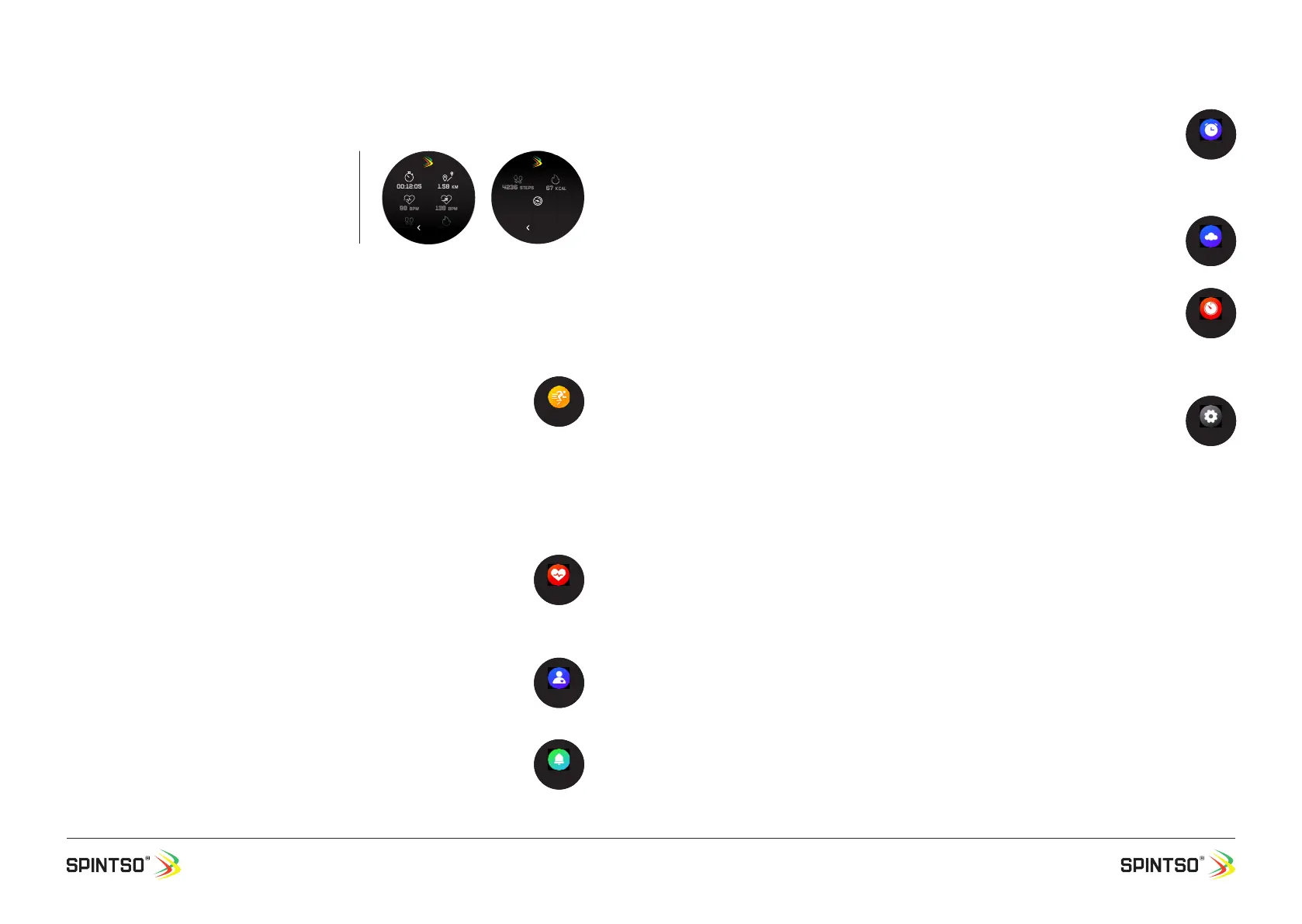
• Live health data is presented during training. Swipe the health data area on the screen left and right
to browse between different health data.
• Press button A to paus the training. During paus, you can select to either resume training, or exit the
training.
8.2. Heart
Measures your current heart rate and presents the result on the watch screen.
In the APP you can set how often, and when you would like for the watch to
automatically measure the heart rate. These measurements are only presented in the
APP. Measuring the heart rate often will improve the statistics, but it will also increase
the battery consumption.
8.3. Blood Pressure
Measures the current blood pressure and presents this on the watch screen. The result
is also synchronized to the APP and stored. Blood Pressure can only be activated
manually.
8.4. Notice
Here you can browse, view, and delete notications that have been sent to your watch.
In the APP you can enable and disable notications. You can also set exactly which
notications that shall be forwarded.
- The watch also supports rejecting and accepting incoming calls.
8.5. Alarm
View, enable and disable wake-up alarms.
• Alarms can only be edited in the APP.
• Maximum of ve alarms can be set. Single or repeating alarms are supported.
• Alarm that has not been cancelled at activation will activate again after 10 minutes.
Alarm that has activated during a Spintso mode match will activate after the match.
8.6. Weather
Displays the current weather, and also the weather for the next couple of days.
8.7. Timer
Set the time by tapping the plus/minus symbols. Then press the play symbol to start the
timer. When the time reach zero, the alarm goes off.
Exit the timer by swiping to the right or by pressing the A button. If the timer is
running, tap the stop symbol rst.
8.8. Settings
8.8.1. Brightness
Screen brightness can be set in ve steps
8.8.2. Language
The watch support English plus one extra language. The optional language is selected on the APP.
Optional languages when writing this manual are: Chinese, French, German, Italian, Spanish, Swedish
and Turkish.
8.8.3. Power off
Option to turn the watch off.
8.8.4. Factory mode
Option to erase all data on the watch and set parameters to default.
8.8.5. About
Displays the Device name, MAC-address, and rmware version.
00:12:05 1.58 KM
98 BPM
4236 steps
67 kCAL
138 BPM
Back
98 BPM
4236 steps
67 kCAL
138 BPM
Back
14 KM/H


 To Next Page
 Loading...