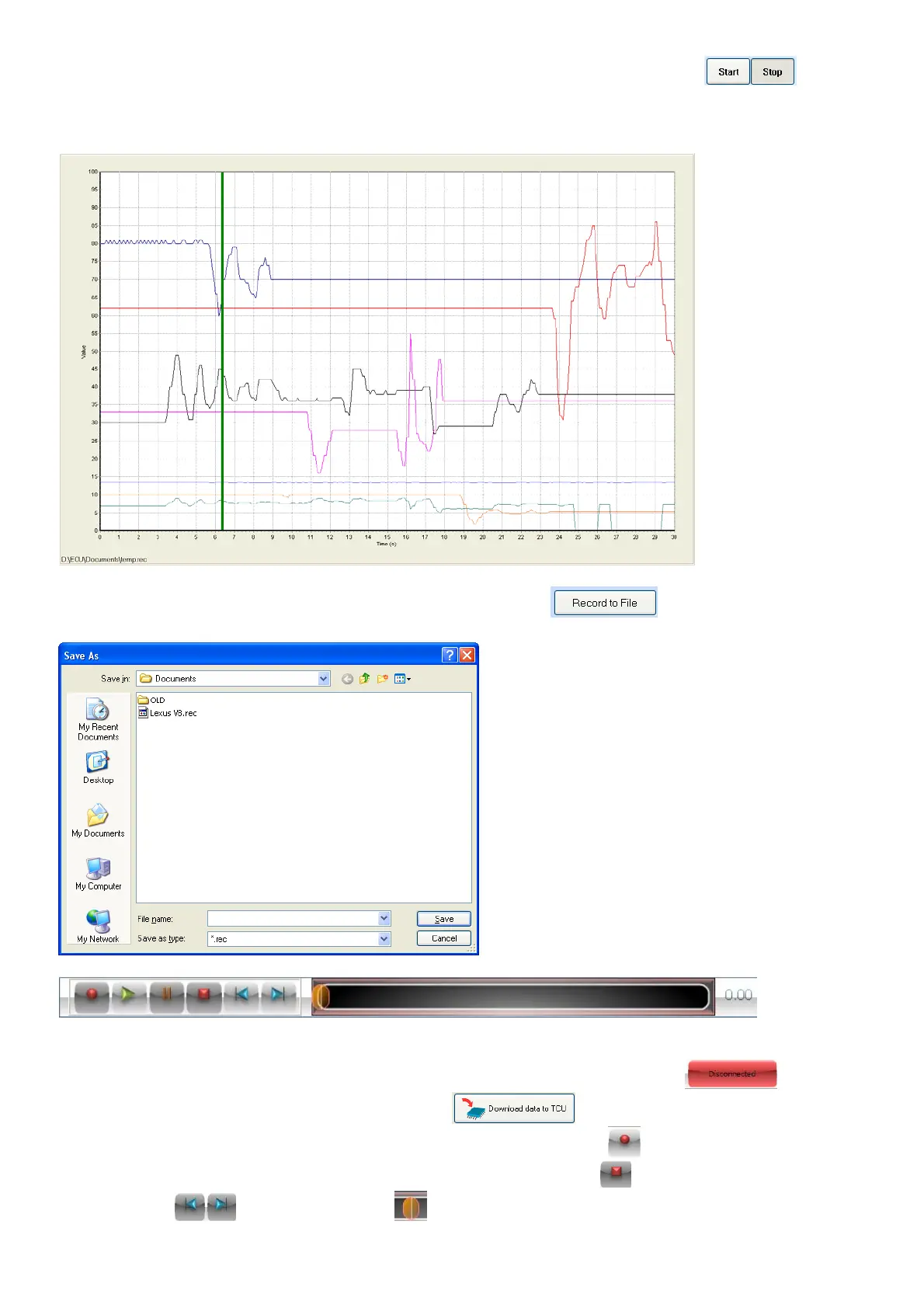
For quick real-time logging you can log the data on the map by pressing the buttons.
The data will be recorded and saved in the PC RAM. See the graph below. After logging you can
grab the log sheet with the right mouse button and go to different times in the graph to see what
happened and do alterations on the graphs.
Alternately you can record the data to a file by pressing the button. Select a filename
which the data must be saved in.
Once a recording file is active or a Log file is opened, this bar will be displayed on all the tuning
pages. You can now replay the data and see how the gear changes was recorded for different
conditions on the transmission. When a file is played back, the TCU will be . Once you
finish your changes you can connect and press to save the changes in the TCU.
When a recording file is selected, you can press the record button when ready and record the
relevant signals to a Log file. When finished press the stop button . Now you can move forward
or backwards and move the bar by dragging it with the mouse or arrows and play the



 To Next Page