7.0 Additional Functions
7.1 Free-Wheel Mode
The caddy can be operated without power. In order to activate the free wheel mode turn
the main power switch into “Off” (0) position. The caddy now can be pushed manually
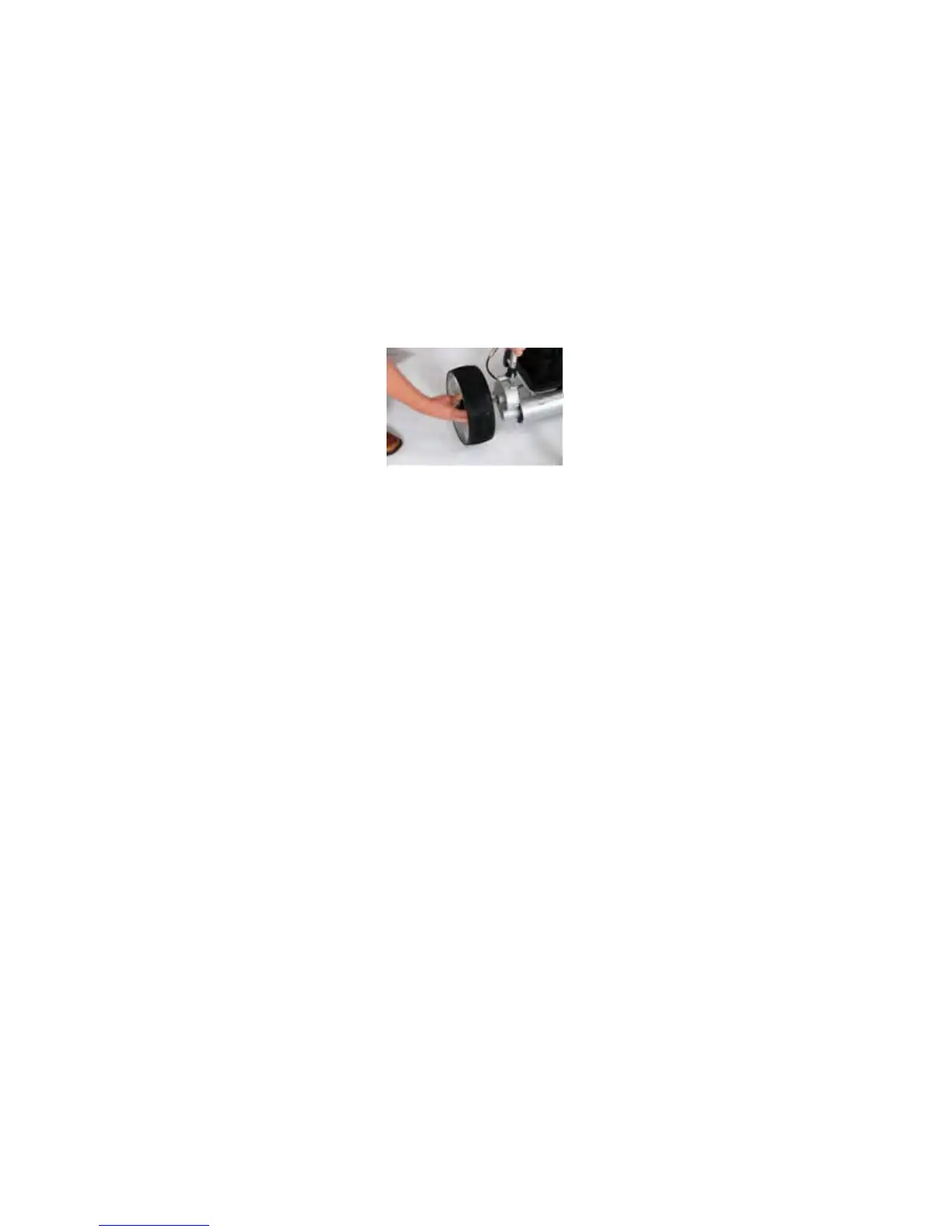
without resistance from the drive shaft. The freewheeling mode on some models can also
be activated by pulling out both rear wheels by an inch (2cm) and relocking them back into
the second axle groove. Some models are equipped with both options.
7.2 Controller/Remote Frequency Adjustment
Turn the main switch to ON position and press and hold the forward for 6-10 seconds.
The cart will move forwards once it synchronizes the remote and controller. Your
new remote control should now be tuned to your caddy.


 To Next Page