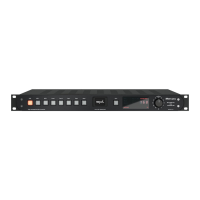
Diamond – Quickstart
Word clock
If you have an external word clock connected to the Diamond, set the CLOCK
switch to Word. In Source position the Diamond derives its clock from the
choosen digital source.
DIP switches
You can use the DIP switches on the rear panel to make the following basic
settings:
DIP switch : OFF = The level of the RCA analog output is adjusted with the
volume control.
DIP switch : ON = The level of the RCA analog output is xed (Unity Gain).
DIP switch : OFF = The level of the XLR analog output is adjusted with the
volume control.
DIP switch : ON = The level of the XLR analog output is xed (Unity Gain).
17
18


 To Next Page