z
PCS 560
1 PCS 560 Quick Reference Guide Version 3.2/0609/2
Making an Internal Call
Making an Internal Call
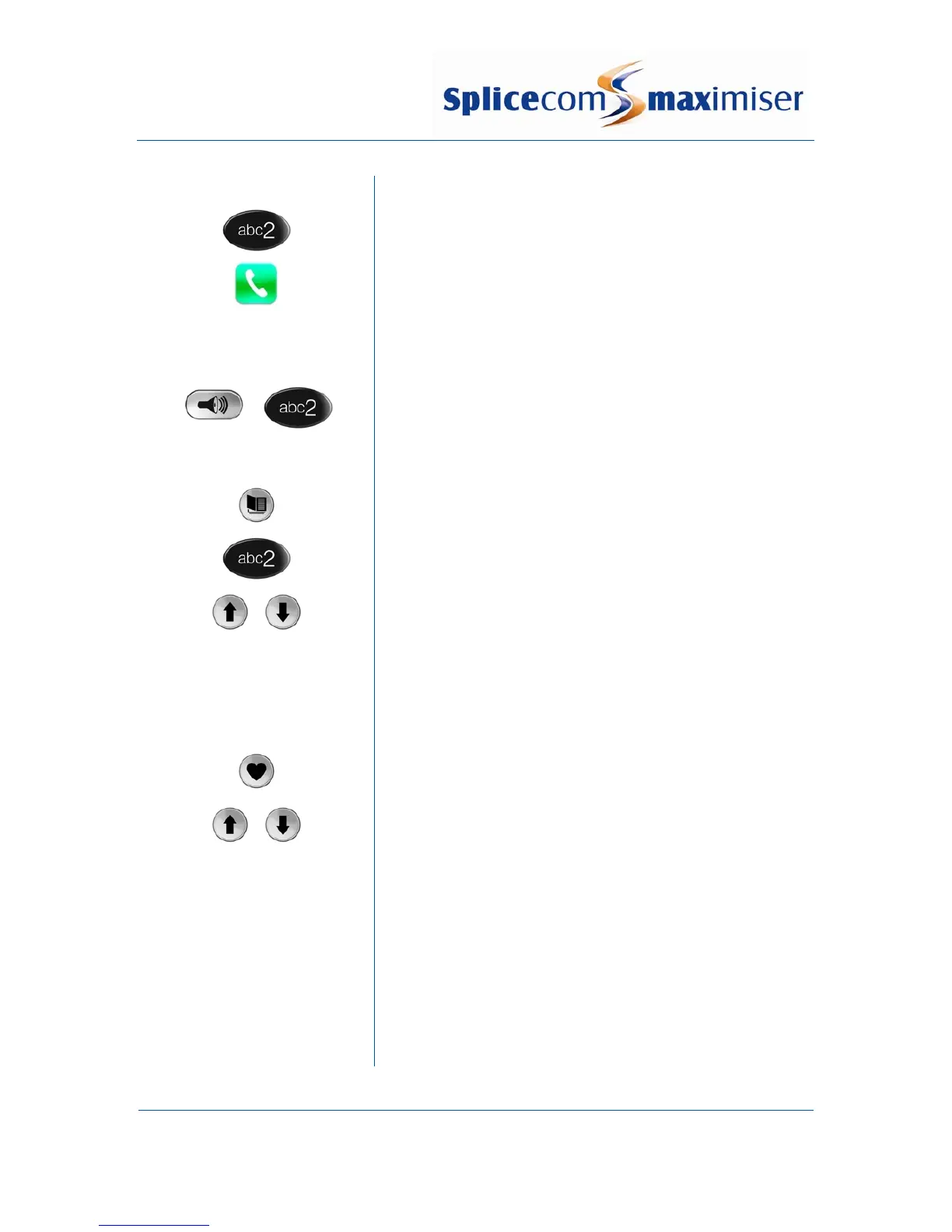
Dial the extension number via the alpha-numeric keypad
Press the context sensitive key alongside the |Dial| icon, or
lift your handset
The Call Status screen will display whom you are ringing and
your details
OR OR
Lift your handset or press the Speaker button
Dial the extension via the alpha-numeric keypad
OR OR
Press the Contacts button
Press the key on the keypad that displays the first letter of the
User’s name
Find the User required using the Up/Down arrows
Select the User required using the context sensitive key
alongside the |User Name|
Dial the User using the context sensitive key alongside the
number required
OR OR
Press the Favourites button (unless this is your default Idle
page)
Find the User required from your Favourites display using the
Up/Down arrow
Dial the User required using the context sensitive Key
alongside |User Name|
(Note: If the extension you are ringing is busy or not
answered within 20 seconds (default) you will be passed to
voicemail, if enabled.)



 To Next Page