Working with Dial Plans
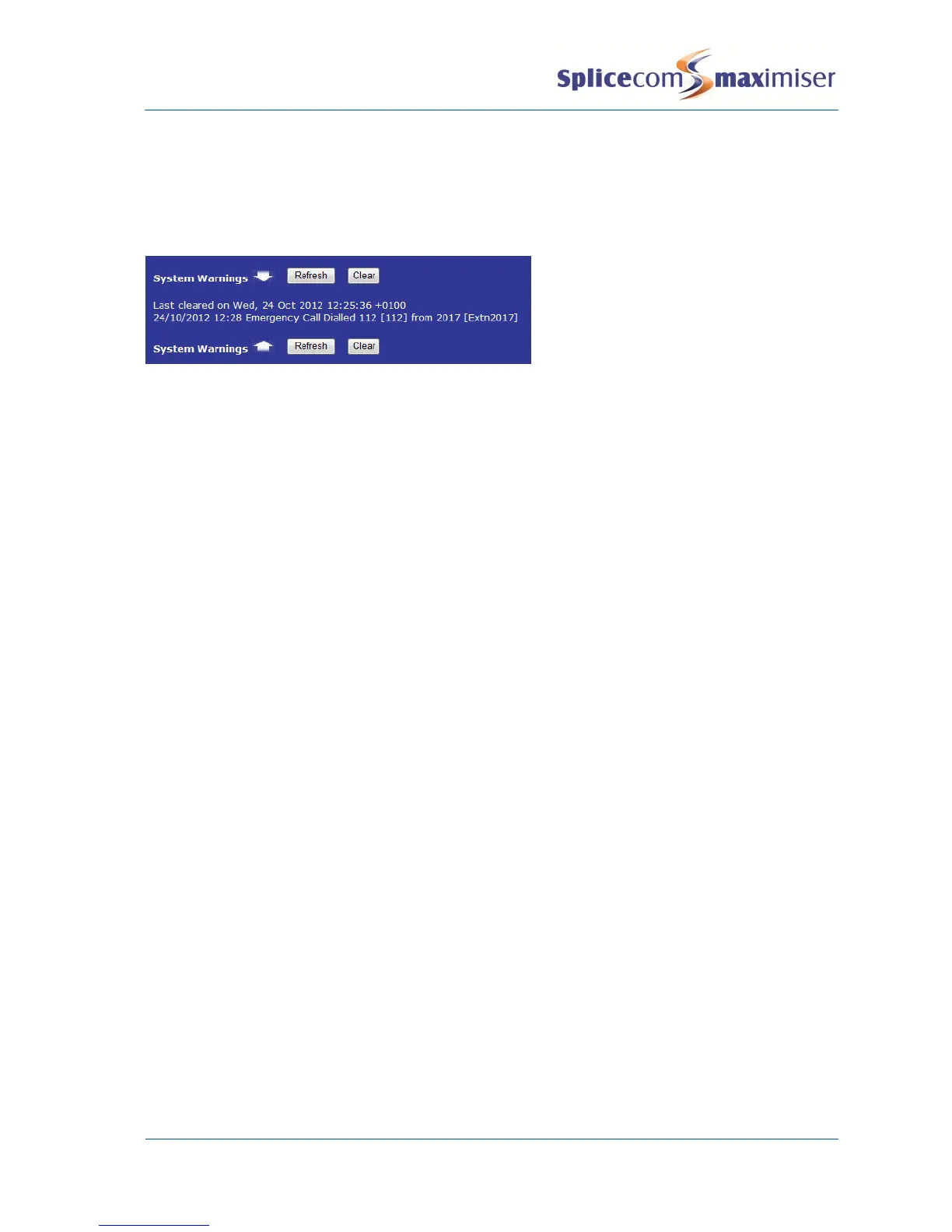
Dial Emergency Action
Calls made via this Action will be displayed in Warnings.
Working with Voicemail
Call Back the Source
While listening to a message a User can ring back the caller by pressing 0 (zero) provided that the caller’s
CLI was presented with the call. The relevant Dial Plan must also support this call as follows:
If the call made to listen to the message was made on the User’s extension via a Dial Plan entry
or via the User’s DDI the User’s Dial Plan will be used.
If the call made to listen to the Department message was made via the Department’s DDI the
Standard Dial Plan will be used.
If the call made to listen to the Department message was made by a User via a Dial Plan entry the
User’s Dial Plan will be used.
If the call made to listen to the message was made to via a DDI with !CollectVoicemail in the
Translate To field the Dial Plan assigned to the Voicemail Port will be used.
Voicemail Access Code
To ensure the system is not victim to fraudulent use do not use “1234” or “12341234” as a User’s
Voicemail Access Code. Please encourage the Users to use alternative codes to provide a greater level of
security.
Voicemail Callback
Please note:
This facility must be enabled via the relevant Voicemail Port. The Enable Message Call Back field is
disabled by default. Select either Internal (enable call back for messages left via an internal number)
or Internal & External (enable call back for messages left via internal and external numbers).



 To Next Page