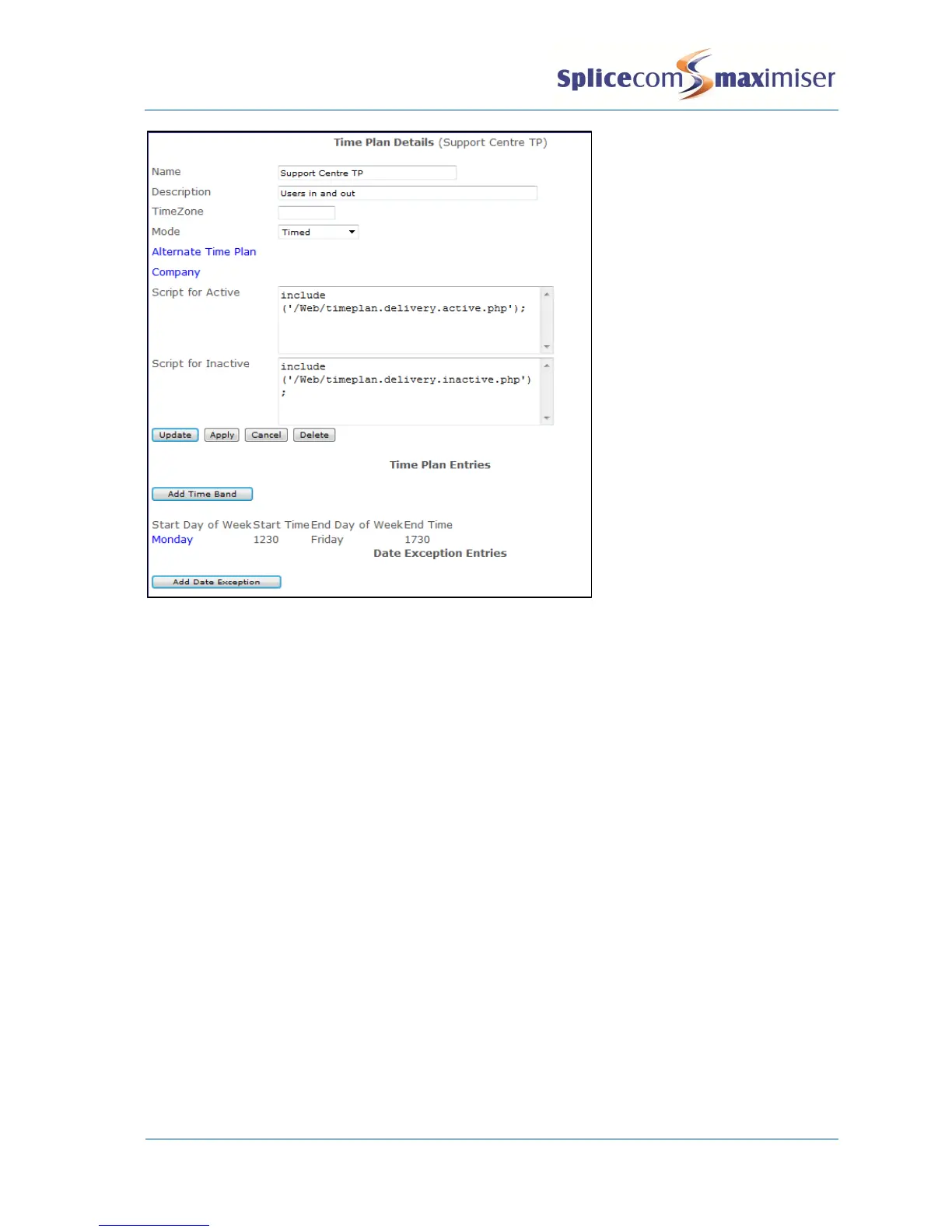
In this example the scripts are stored in the /Web directory on the Call Server.
Creating a SIP trunk
A Call Server can support SIP Proxy Server and SIP Trunk services and can be configured as follows. Please
note that when using a 4100 Call Server or 4140 Remote Call Server a Voice Compression Module or card
is required to use this facility together with the required number of Trunk licences, one per channel.
1 In Manager select Modules
2 From the Module list select the Add SIP Gateway button
3 In the Name field enter a name to identify this external gateway
4 Enter the IP address of the remote end, or the name, e.g. sip.example.com, if required instead
5 Select Apply
6 Select the Call Server field
7 From the Select Call Server list select the Call Server to which this SIP Gateway is to be registered.
8 Select Update or Apply when ready.



 To Next Page