79
2. ENTER INTO SETTINGS AND ITS FUNCTION
Click SETTINGS
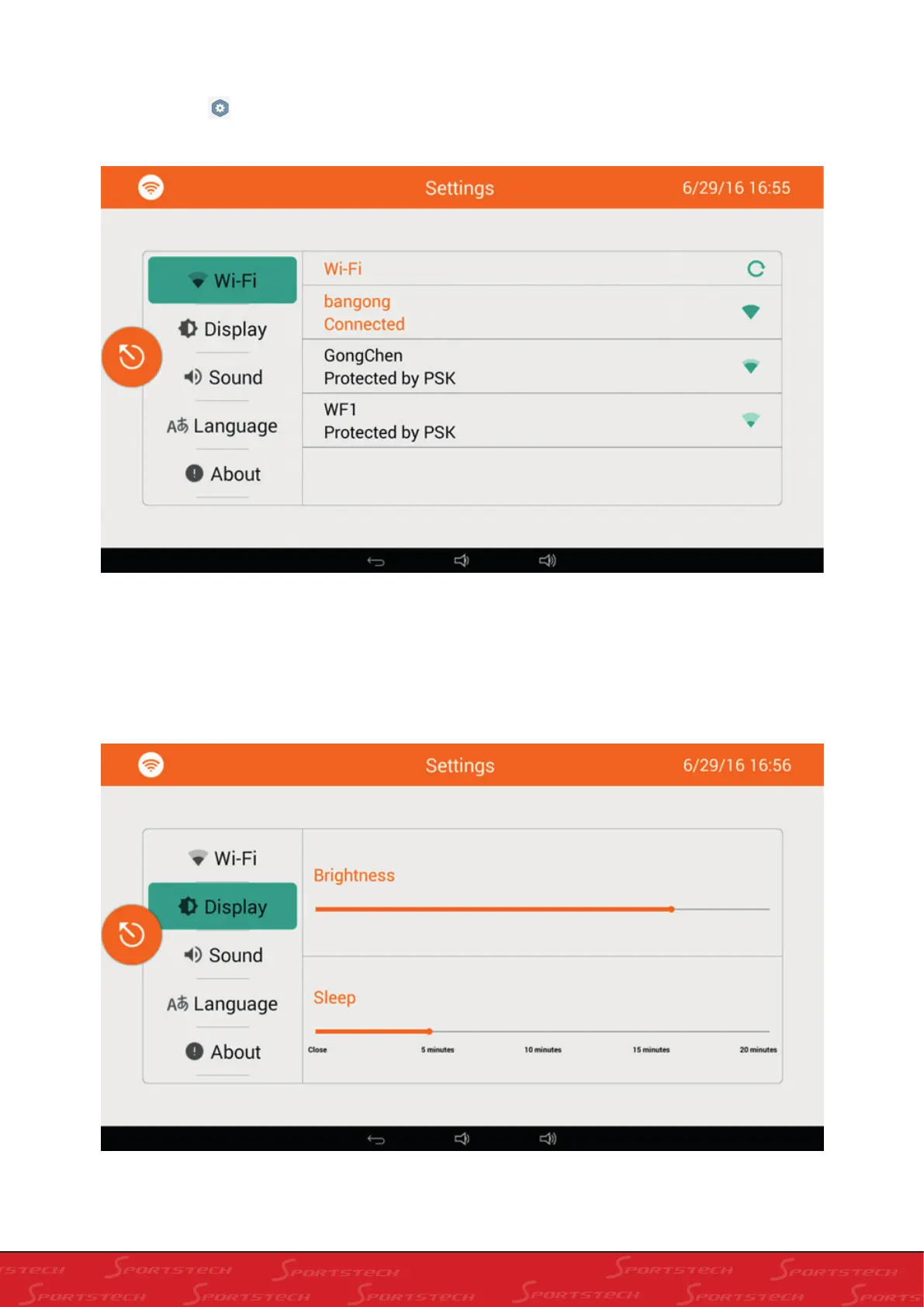
on the home screen to enter into Settings (in this screen, there are four selections to be set:
“Wi-Fi”, “Display”, “Sound” and “Language” and the “About” option); the screen is as below:
1). Click “Display” to enter into display for adjustment as below. In this screen, you can adjust the brightness and
hibernation time.
You can connect to WIFI; click the WIFI name you want to link, input passwords and click Ok to auto-connect.



 To Next Page