94
Click “+”, “-” or shortcut key of Speed in the above screen to change speed
6). When the countdown is “0”, the treadmill will automatically stop or you can press Stop to end the Program in
advance and stop.
7. CUSTOMISED FITNESS MODE APPLICATION AND DISCRIPTION
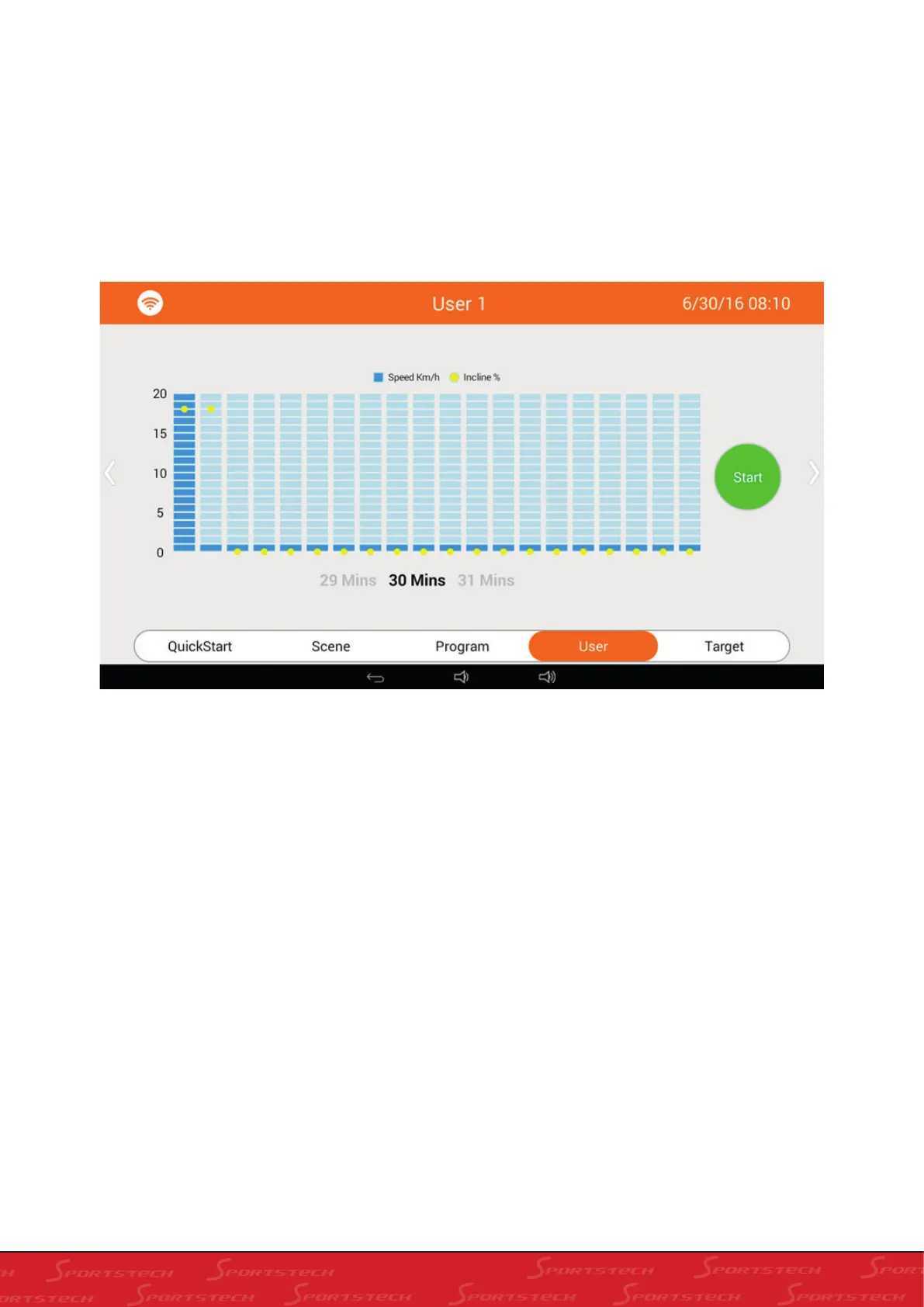
Click “User” to enter into customise Program selection interface as below:
1). Slide left and right to select User1~User3
In User mode: you can set speed of each section, raise, fall as well as total running time.
Initial section: 1 Settings range: 1~20 sections
Initial speed: 1.0KM Settings range: 1.0~24 KM, drag the blue square to set speed of current section
Initial raise and fall: Settings range: 0~20, drag the yellow dot to set slope of current section.
Initial time: 30:00 Settings range8: 00~99:00
Running time for each section: set time/20
2). Press Back to exit Customised Fitness mode.
3). Press Start to start treadmill motor, running of customised program as below



 To Next Page