3
SECTION 2: GETTING STARTED
Your SPOT Gen4 requires an active SPOT subscription to communicate. To do this, simply activate your
device using the instructions outlined below.
WITH YOUR SPOT GEN4
WHAT YOU NEED
• Your SPOT Gen4
• One of these power sources:
• 4 AAA Energizer
®
Ultimate Lithium 8x batteries (L92); included
• 4 AAA Energizer
®
NiMH rechargeable batteries (NH12)
• User Guide
INSTALL THE INCLUDED BATTERIES
1. A coin or pocket knife can be used to loosen the screws to open the battery cover.
2. Write down the ESN and Authorization Code for use during service activation.
3. Install 4 AAA Energizer
®
Ultimate Lithium 8x batteries or NiMH rechargeable batteries.
4. Replace cover and tighten screws fully to maintain SPOT Gen4’s waterproof seal.
5. Keep your batteries installed.
CAUTION: Risk of explosion if battery is replaced by an incorrect type. Dispose of used batteries
according to the instructions.
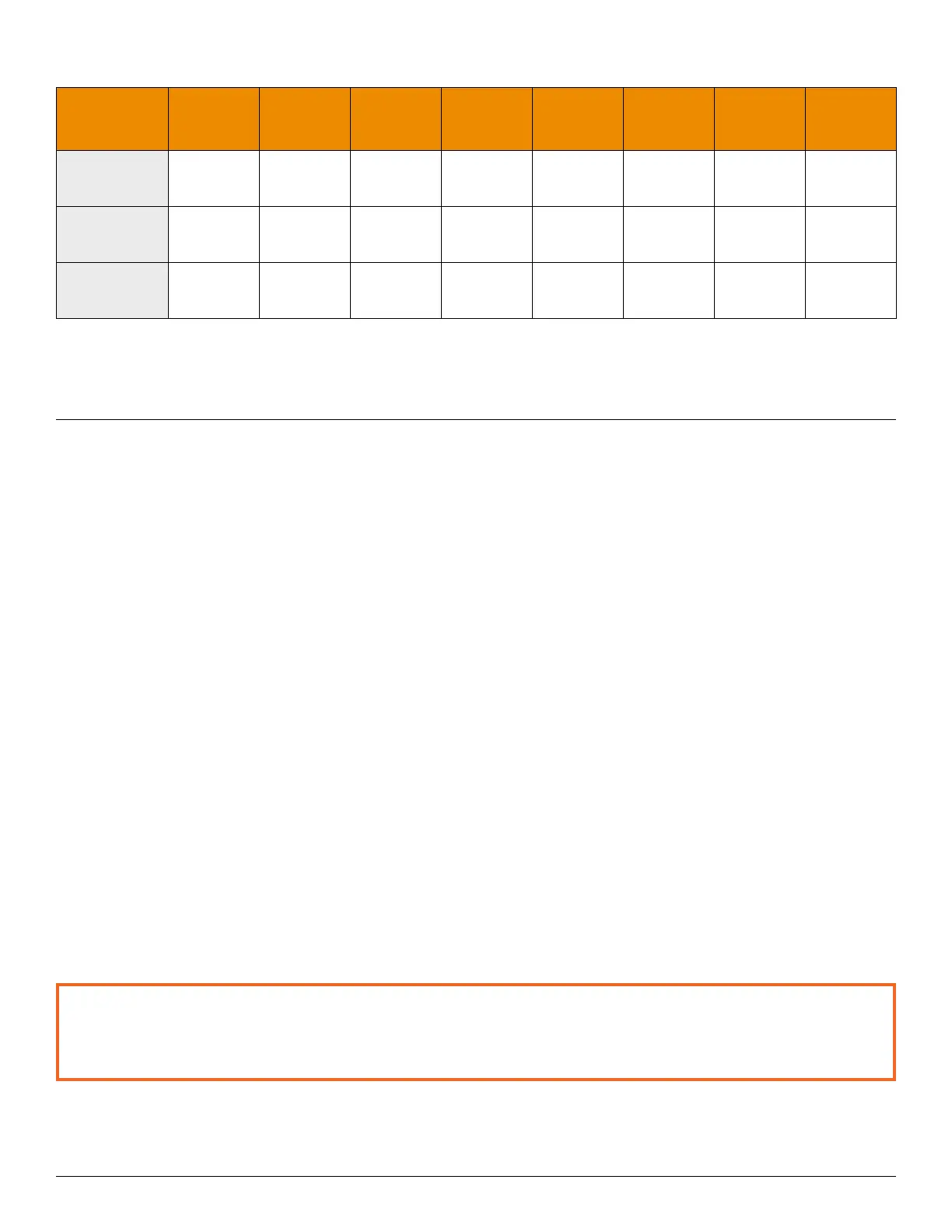
BUTTON TEST LED CHART
BUTTONS
PRESSED
HELP LED S.O.S. LED
POWER
LED
GPS LED SEND LED
CUSTOM
MESSAGE
LED
TRACK
LED
CHECK IN
LED
TRACK
+ POWER
GREEN GREEN N/A N/A N/A N/A N/A N/A
S.O.S. + HELP
RED RED RED RED RED RED RED RED
CUSTOM
MESSAGE
+ OK
GREEN GREEN GREEN GREEN GREEN GREEN GREEN GREEN


 To Next Page