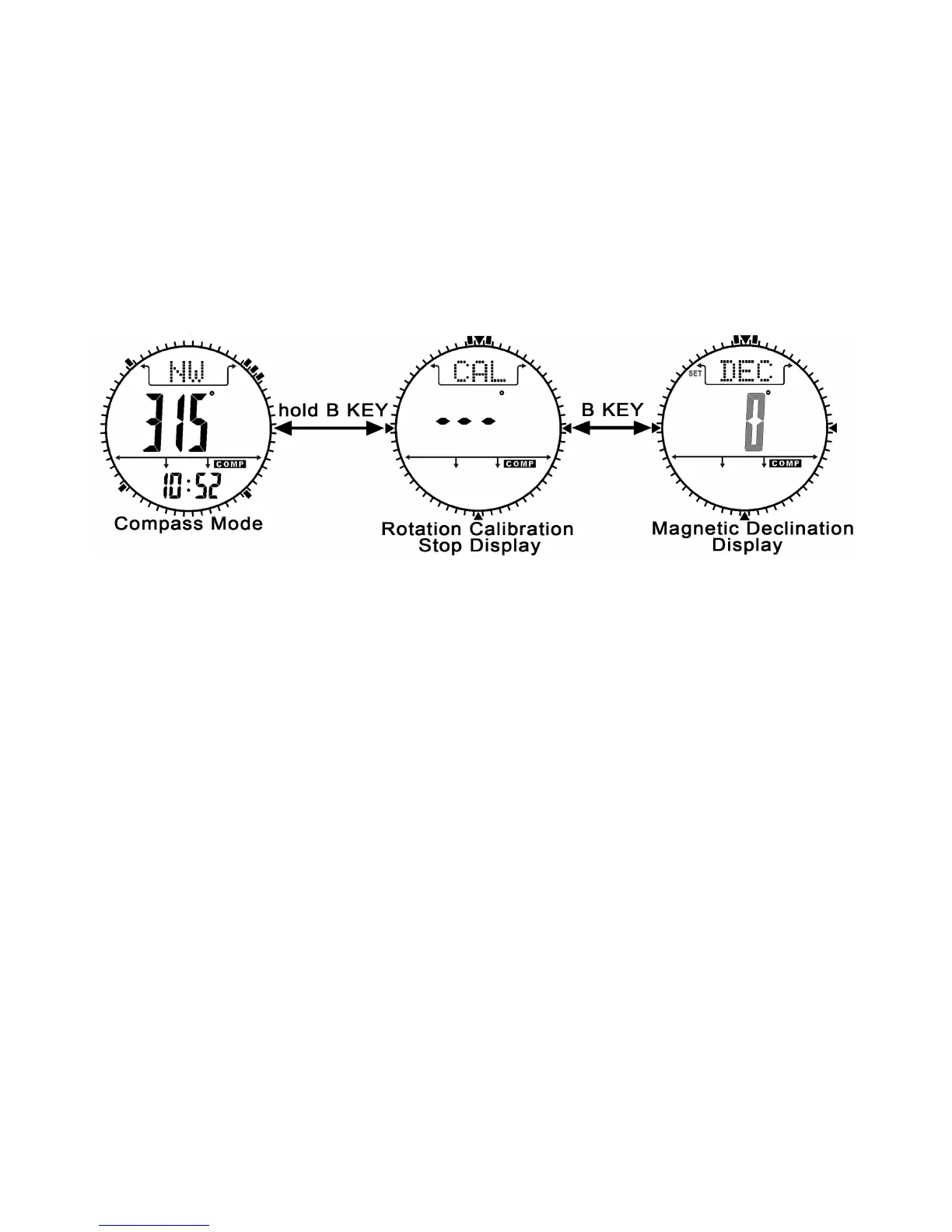
Magnetic Declination Mode
1. Check the coming section “Magnetic Declination at Major Cities”
to get the magnetic declination of the city which is close to your
current position. That angle will be inputted into the watch during the
calibration.
2. To select magnetic declination display, press the B button in
rotation calibration display.
3. When the current magnetic declination is appeared, press the E
or C button to increase/decrease the number.(hold down the button
changes the number at a higher speed).
4. If the setting is completed, hold the B button to confirm setting
and exit the adjustment display.


 To Next Page