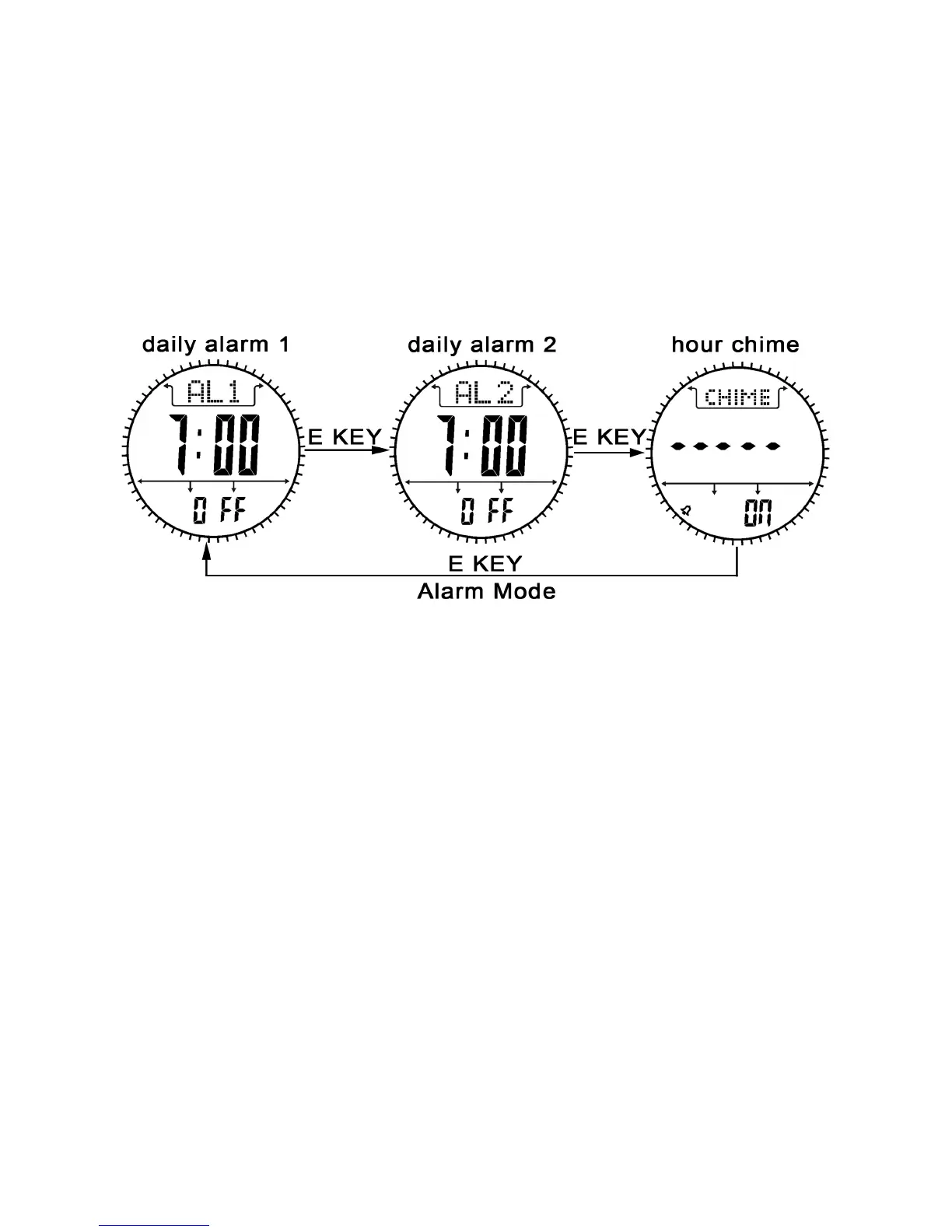
Daily Alarm mode
1. The watch includes two daily alarms: Daily Alarm 1 and Daily
Alarm 2, the Daily Alarm 1 and Daily Alarm 2 are working
independently.
2. Press the E button to switch among the Daily Alarm 1 and Daily
Alarm 2 and Chime Display following the adjacent diagram.
How to turn ON/OFF the Daily Alarm
1. To turn ON/OFF the Daily Alarm 1(2),press the C button in Daily
Alarm 1(2) Display.



 To Next Page