EasyManua.ls Logo

SPRIANO SST77B Series - User Manual

SPRIANO SST77B Series
32 pages
Print Icon
To Next Page IconTo Next Page
Loading...
OPERATING MANUAL
MN-SST77B
ED-18-01
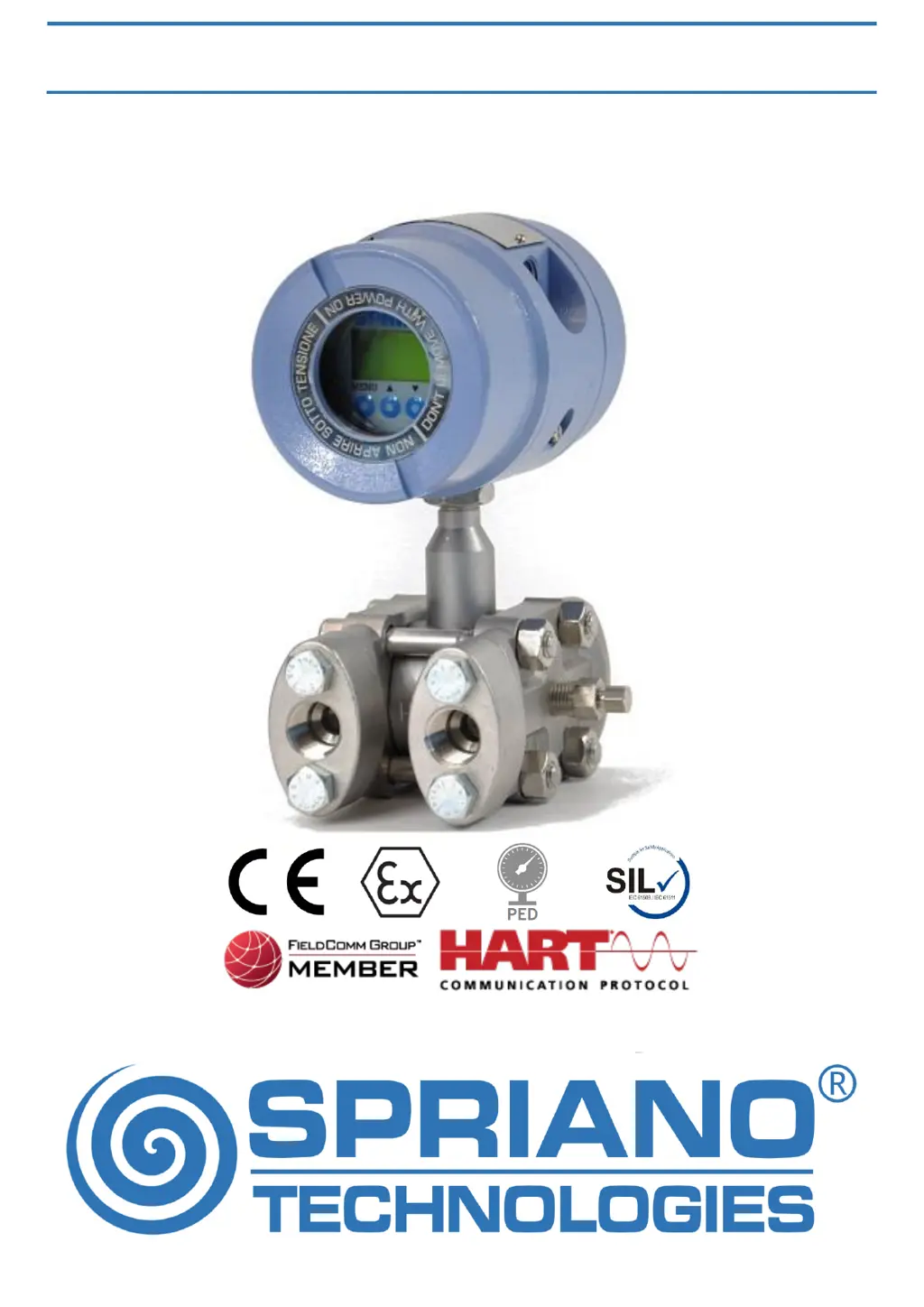
SST77B DIFFERENTIAL PRESSURE TRANSMITTER
ORIGINAL INSTRUCTIONS

Questions and Answers

  • K
    kimberlyrayAug 17, 2025
    What to do if SPRIANO SST77B Transmitter measure is incorrect?
    • M
      Matthew MirandaAug 17, 2025
      If your SPRIANO Transmitter measure is incorrect, consider the following: * **Process:** Accurately verify the compatibility between the process and the connection type. * **Sensor drift:** Apply zero input conditions to the transmitter and use the OFFSET command. * **EMC interference:** Accurately verify the possible presence of electromagnetic interference on the supply line. Check the PE connection.
  • S
    Shane MccallAug 21, 2025
    Why is the analog output of my SPRIANO Transmitter 20mA?
    • P
      patrickolsonAug 21, 2025
      If the analog output of your SPRIANO Transmitter is less than 4mA or greater than 20mA: * **Transmitter in fault mode:** Check if the output isn’t out of the allowed span or check the presence of a failure (e1, e2, … on display). * **Wrong fault settings:** Check the settings using the ALARM TYPE command.
  • T
    Tonya RamirezAug 25, 2025
    How to fix unstable measure on SPRIANO SST77B Transmitter?
    • S
      salaspamelaAug 25, 2025
      If you are experiencing an unstable measure with your SPRIANO Transmitter, it might be due to measuring disturbs. To address this, set an input average using the DAMP VALUE command (i.e. 10 seconds).
  • K
    Kenneth LucasAug 28, 2025
    What to do if the analog output of SPRIANO SST77B Transmitter is 20mA?
    • D
      Danielle YoungAug 28, 2025
      If the analog output of your SPRIANO Transmitter is reading less than 4mA or greater than 20mA, it could be due to the transmitter being in fault mode. Check if the output is outside the allowed span or if there are any failure indicators (e1, e2, etc.) on the display. Alternatively, the fault settings might be incorrect. Verify these settings using the ALARM TYPE command.
  • M
    Michael ThompsonSep 1, 2025
    Why is the measure on my SPRIANO SST77B unstable?
    • S
      Shaun HernandezSep 1, 2025
      If the measure displayed by your SPRIANO Transmitter is unstable, it might be due to measuring disturbs. To resolve this, set an input average using the DAMP VALUE command (e.g., 10 seconds).
  • J
    jgriffinSep 4, 2025
    How to fix erratic analog output on SPRIANO Transmitter?
    • S
      Sarah BoltonSep 4, 2025
      If your SPRIANO Transmitter's analog output is erratic, it could be due to wrong span limits. Correct the output by using the LRV and URV command (or SET LRV and SET URV). Another potential cause is an uncalibrated analog output. Verify the analog output calibration using the LOOP TEST command; if incorrect, calibrate the output using the CAL4-20mA command. Finally, incorrect HART® settings could be the issue. Ensure the polling address is set to 0 using the ADDRESS command.
  • E
    Ernest JonesSep 8, 2025
    Why SPRIANO Transmitter doesn’t turn on?
    • V
      Veronica ScottSep 8, 2025
      If your SPRIANO Transmitter isn’t turning on, first check the supply voltage to ensure it is within the range of 12,5Vdc < V < 30Vdc. Next, verify the transmitter connection polarity. Lastly, ensure that the electrical load is less than the maximum allowed.
  • J
    John GloverNov 12, 2025
    Why is the analog output of my SPRIANO Transmitter erratic?
    • I
      imyersNov 12, 2025
      If the analog output of your SPRIANO Transmitter is erratic, consider these possible causes and solutions: 1. **Wrong span limits:** Verify that the LRV and URV values are the ones you want. In the start-scale process condition, use the OFFSET command to correct the measure to zero. In the full-scale process condition, use the SET S. URV (set span URV) command to correct the URV value. It is possible to correct only the analogical output by changing the LRV or URV values (alternatively editing SET LRV and SET URV) to set the instrument measure at 4 mA or 20 mA. 2. **Uncalibrated analog output:** Use the LOOP TEST command to verify the analog output calibration. If it is not correct, use the CAL4-20mA command to calibrate the output. 3. **Incorrect HART® settings:** Use the ADDRESS comm...

SPRIANO SST77B Series Specifications

General IconGeneral
BrandSPRIANO
ModelSST77B Series
CategoryTransmitter
LanguageEnglish

Related product manuals