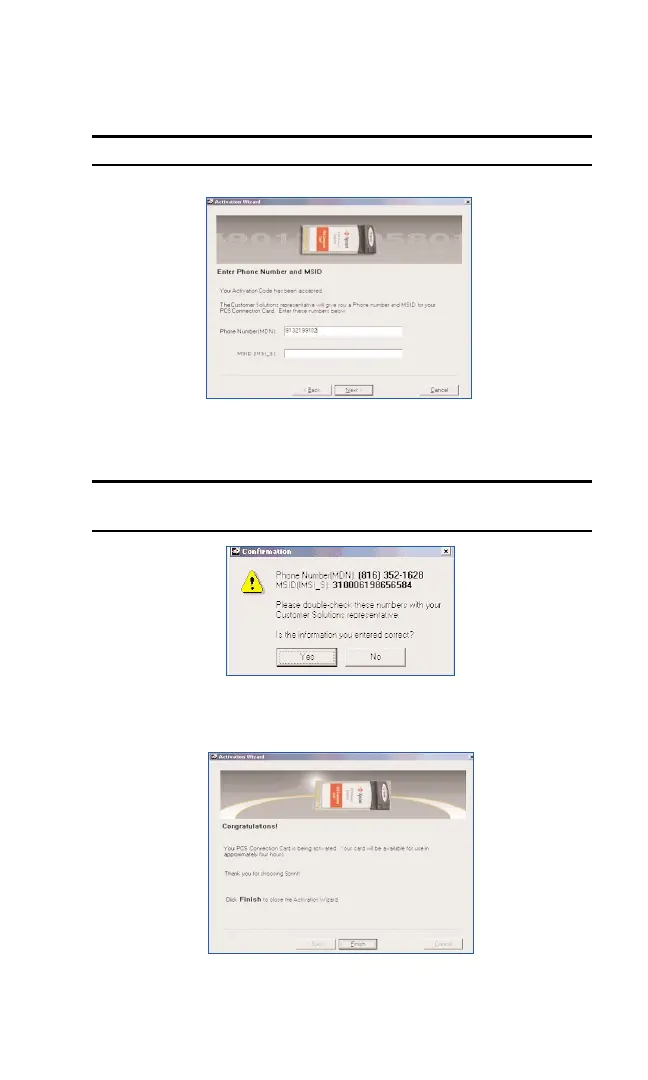
4. The Customer Solutions representative will give you a Phone number
and a MSID Code. Enter those numbers in the spaces provided. Click
Nextto continue.
Note: If you do not receive a MSID (IMSI_S) Code, leave the field blank.
5. Your phone number will be displayed at the bottom of the activation
window. Click
Yes if the information is correct.
Note: The numbers shown in the window display below are different from
what you will see.
6. You have now successfully completed the activation process. Click
Finishto exit the Sprint Activation Wizard.
Section 2: Installing the PCS Connection Card
28
2B: Installing Your PCS Connection Manager Software and PCS Connection Card
Part 3: Activating and Provisioning Your PCS Connection Card



 To Next Page