Part1: Software Installation
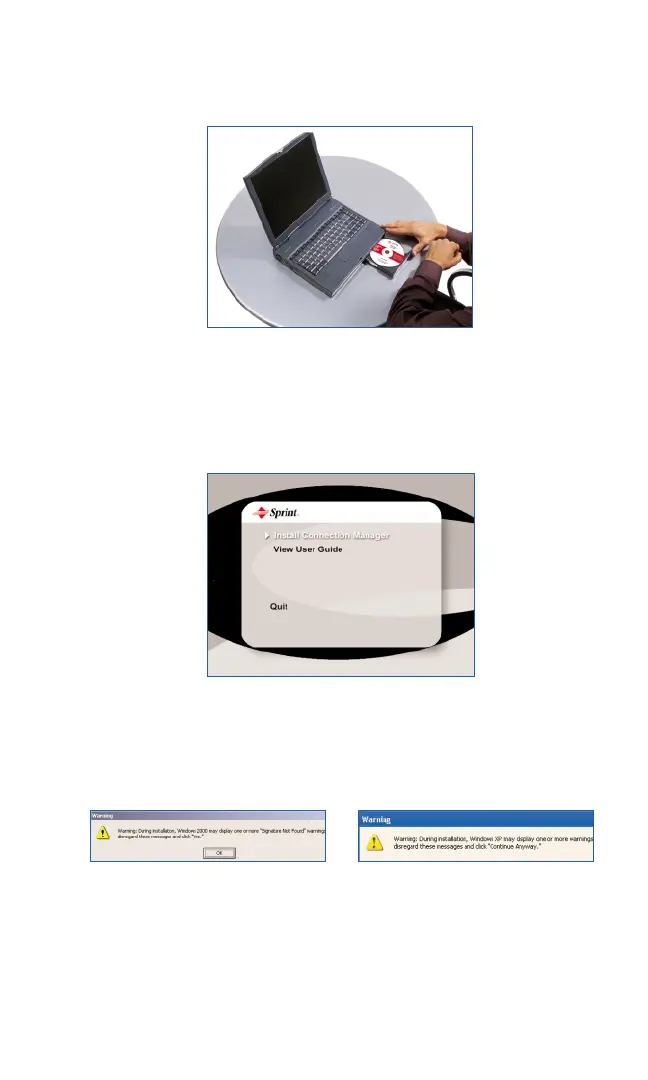
1. Insert the installation CD into your CD-ROM drive.
2.The Setup program should launch automatically. If the Setup program
does not launch, select
Start > Run and enter d:\Launch.exe, where d
is your CD-ROM drive letter; otherwise replace "
d" with the letter that
indicates your CD-ROM drive.
3. Windows 2000 and XP only: During installation, Windows 2000 and
XP may display one or more “Signature Not Found” warnings. Click
OK to proceed when they appear.
Section 2: Installing the PCS Connection Card
16
2B: Installing Your PCS Connection Manager Software and PCS Connection Card
Part 1: Software Installation
Windows 2000 Windows XP



 To Next Page