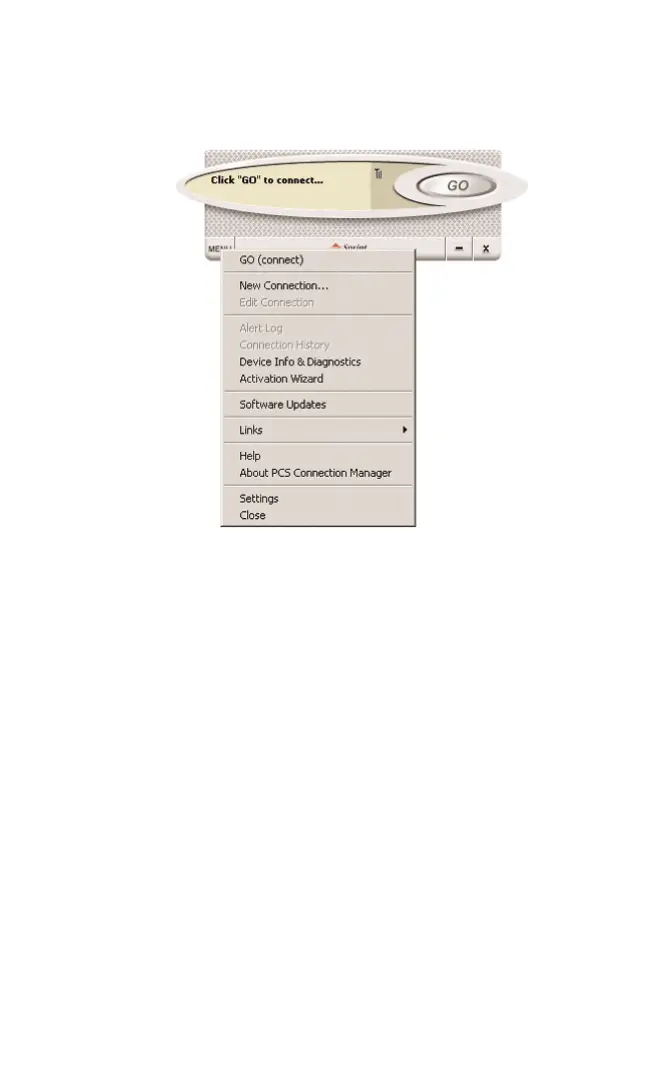
Overview of Menu Items
Clicking the Menu button, located at the lower left of the interface,
launches the PCS Vision Interface secondary menu.
Menu Item Description
Go (Connect)
The GO (Connect) option allows you to establish a
connection. Once a connection is established, the GO
(Connect) button will be replaced by the option
Disconnect. Select Disconnect when you are ready to
terminate the session.
Section 3: Using the PCS Connection Card
46 3B: Menu Options



 To Next Page