Uninstalling the PCS Connection Manager
Software
Uninstalling the PCS Connection Manager
SM
Software
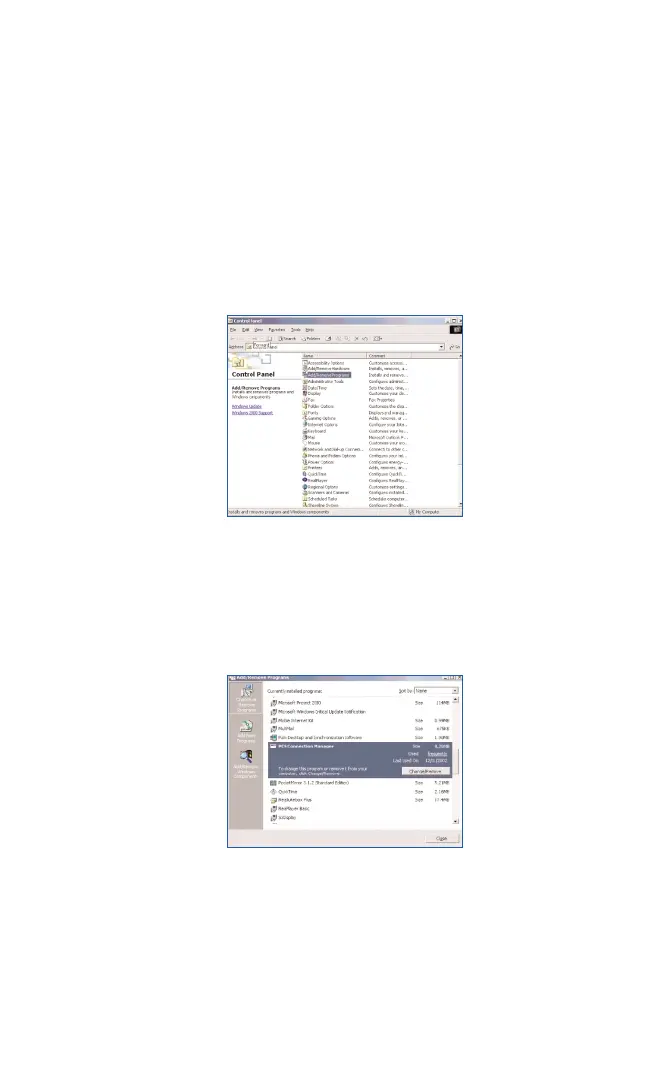
To uninstall the PCS Connection Manager Software be sure to use the
Add/Remove Programs Utility built-in to your Windows Operating System.
1. Exit from the PCS Connection Manager. Refer to Page
32 for detailed
instructions.
2. Go to Start < Control Panel and Select
Add/Remove Programs
Once selected, the Windows Add/Remove Programs Utility will launch. Be
sure the Change or Remove Programs feature is selected (default). Select
the PCS Connection Manager software from the list and click on the
Change/Remove button:
Section 3: Using the PCS Connection Card
3C: Troubleshooting Tips (Notebook PCs) 61



 To Next Page