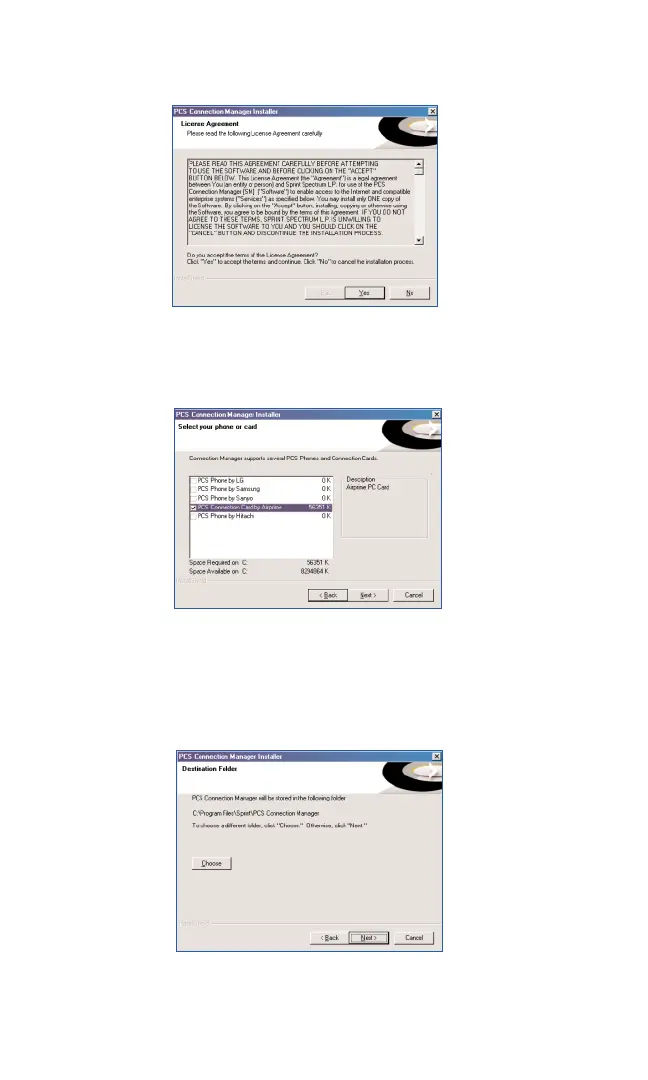
4. Please read the Licensing Agreement and click Yes to agree to the
terms.
5. Select the checkbox PCS Connection Card by AirPrime. Click Next
to continue.
6. Click Nextto install the software to the default folder. You may choose
to install to a different folder by clicking the
Choosebutton.
Section 2: Installing the PCS Connection Card
2B: Installing Your PCS Connection Manager Software and PCS Connection Card
17
Part 1: Software Installation



 To Next Page