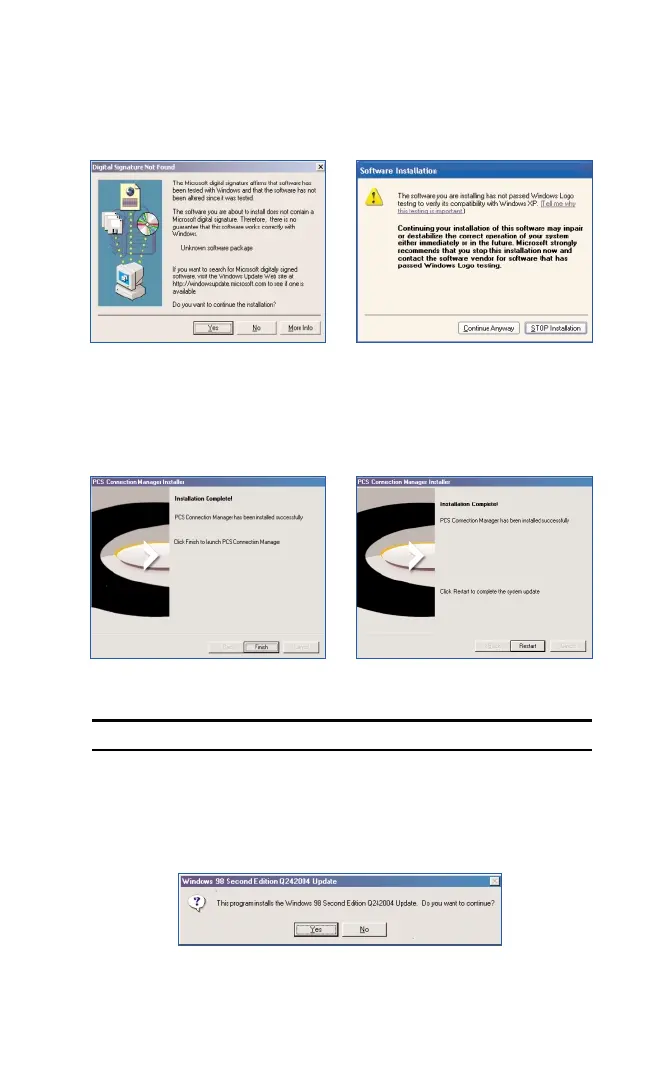
7. Windows 2000 and XP only: Please disregard the “Digital Signature
Not Found” warning and click
Yes or Continue Anyway to proceed
with installation.
8. Click Finishor Reboot to complete the installation.
Note: If running Windows 2000, ME, XP: Skip to Step 12 on page 19.
9. Windows 98SE only:
The Windows 98 Second Edition Q242004
update will be installed. Click
Yes to continue.
Section 2: Installing the PCS Connection Card
18
2B: Installing Your PCS Connection Manager Software and PCS Connection Card
Part 1: Software Installation
Windows 2000 Windows XP
Windows 98SE, 2000, and XP Windows Me



 To Next Page