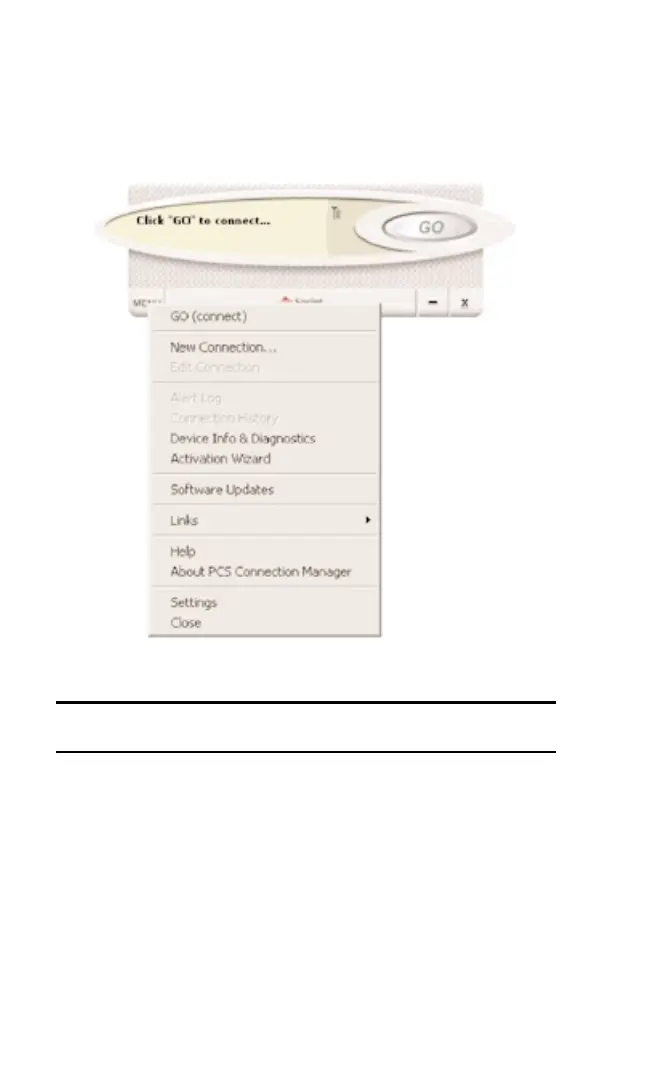
Secondary Menu Options
Clicking the Menu button, located in the lower left corner of the interface,
provides access to the PCS Connection Manager secondary menu.
Note: For a full explanation of each of the submenu links, go to Section
3B: Menu Options, beginning on page 45.
Section 3: Using the PCS Connection Card
38 3A: The PCS Connection Manager



 To Next Page