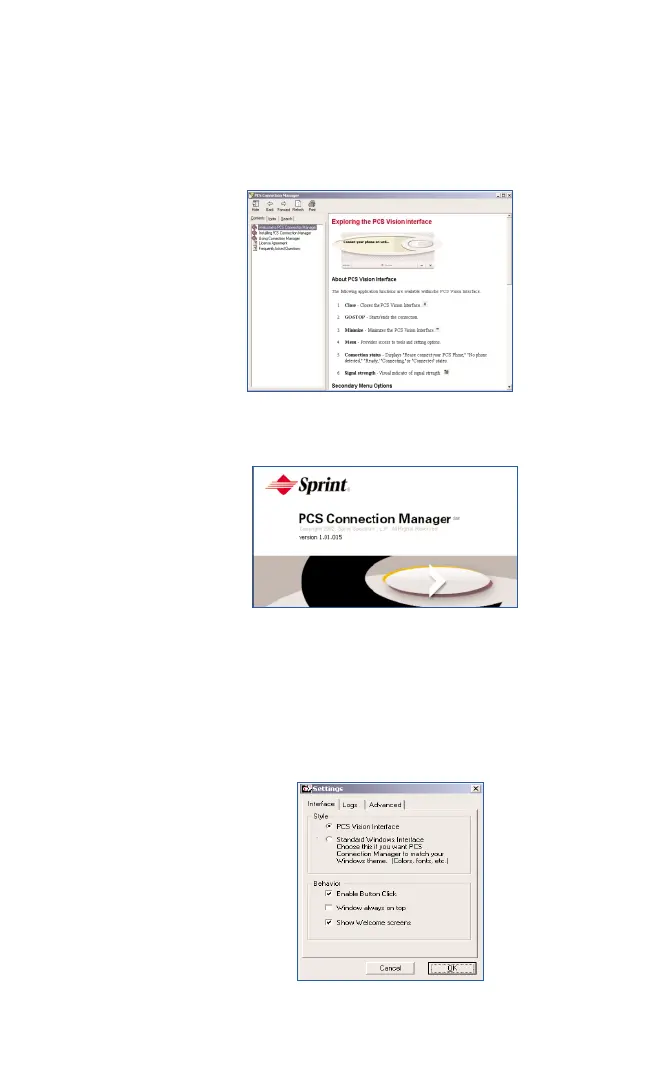
Help By clicking on Help, a document will launch
providing more detailed information on the PCS
Connection Manager. If you are looking for additional
information on a subject, you can find it here within
the contents, index or search tabs.
About PCS Provides information about the version you are using.
Connection
Manager
Settings Contains three tabs: Interface, Logs, and Advanced.
Interface: Select an interface style.
4
PCS Vision Interface / Connection Manager (CMI)
- or -
4
Standard Windows Interface (WMI)
Section 3: Using the PCS Connection Card
50 3B: Menu Options



 To Next Page