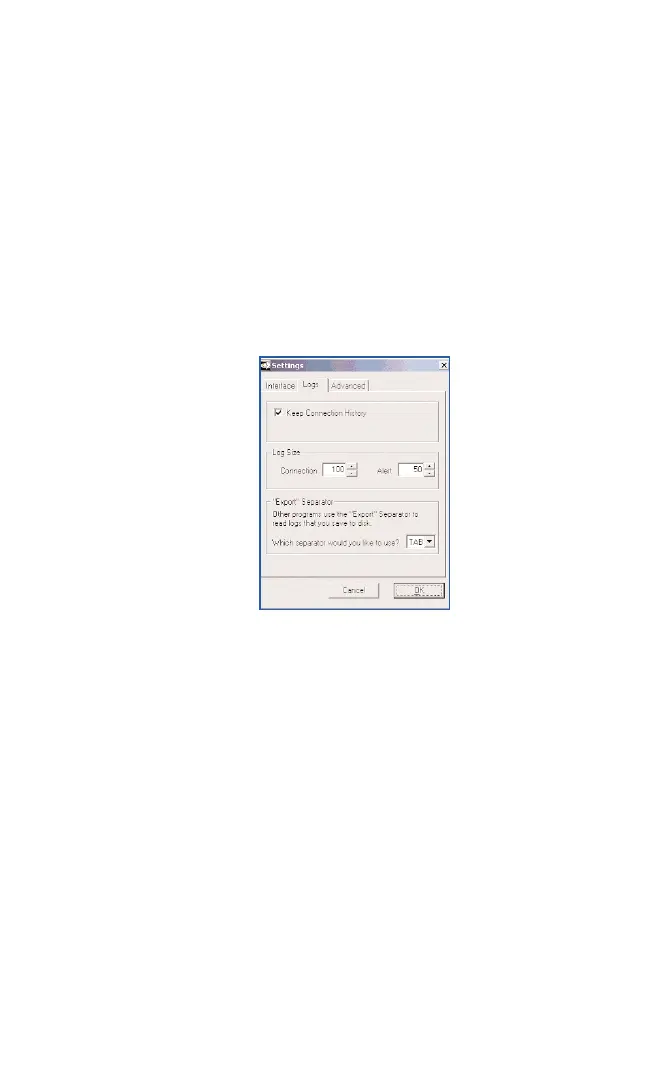
Logs:
4
Select the Keep Connection History checkbox to
create a tracking log of your PCS Vision
Connections.
4
If activating Keep Connection History, input the
number of Connections and Alerts you want to store.
4
Select an Export Separator from the drop-down list
to help format your logs when saved to disk.
4
Click OKto save changes and close the Settings
dialog box.
Section 3: Using the PCS Connection Card
52 3B: Menu Options



 To Next Page