4
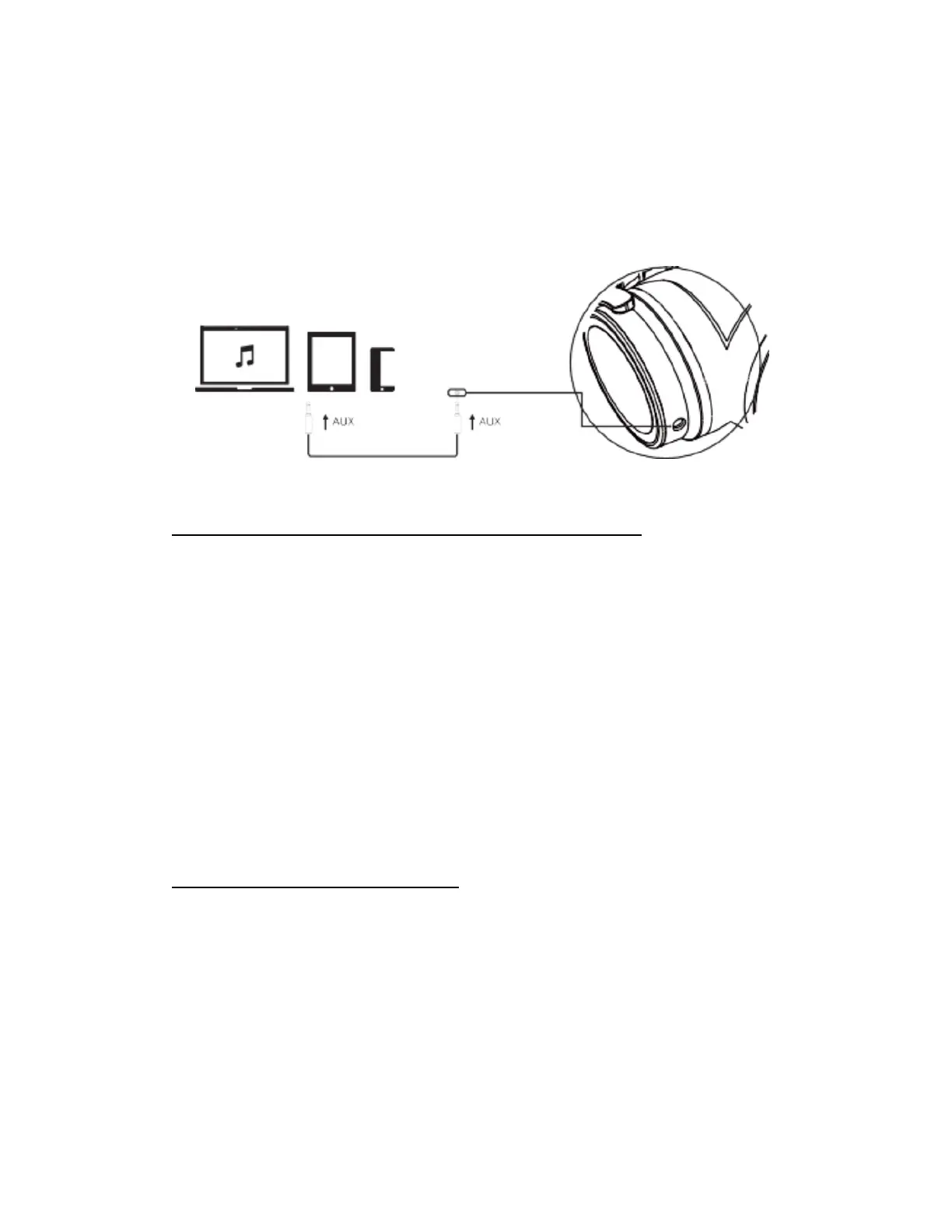
3.5mm music line-in function:Connect Audio cable to 3.5mm audio jack for wired audio.
If headphones are powered on, connecting a 3.5mm audio cable will power off headphones
automatically.
When headphones are powered off, all controls (volume, skip track etc) can only be used
on the audio player/mobile device
3, Pairing (supports connection to 2 Bluetooth enabled devices )
Pairing with one phone or other device
In power off status, press multifunction button for 5 seconds to enter pairing mode. In power
on status, press multifunction button for 2 seconds to enter pairing mode. Red LED & Blue
LED will flash alternately.
Activate your devices Bluetooth function and search for headphone. From the list of found
devices, select “Harmonic 2” to connect.
Follow the instruction to enter “0000” as PIN if necessary.
Pairing with two phones or other devices at the same time
The Harmonic II can support connection to 2 devices. It can pair with two mobile phones
simultaneously and take calls from either device.
1. Following pairing instruction to connect 1
st
phone then power off Harmonic II
2. Power on Harmonic II and enter pairing mode to connect with 2
nd
phone
4, Connect to a phone with NFC function:
1. Power on mobile phone and ensure NFC function is activated.
2. Power on Harmonic II headphone.
3. Place mobile phone's NFC area near the NFC position on Harmonic II
4. To confirm connection with phone, press YES/OK.
5. After successful connection, you can enjoy music, play games and watch movies via
Harmonic II.



 To Next Page