10
UNISYNC mode
If you are using the UNISYNC feature you can
connect one Immerse as a primary, then connect up
to 50 UNISYNC devices as replicas.
To connect a replica, short press the UNISYNC button
on your primary device once to enter UNISYNC Mode.
Once the primary announces it is in UNISYNC Mode,
repeat on the replica. After the replica announces
it is in UNISYNC Mode, press the UNISYNC button
once more – the replica should now announce it is
using UNISYNC Audio. The primary speaker will
show a solid blue light while replicas will show a
ashing red and blue light.
Press UNISYNC button again to disable UNISYNC.*
Press and hold the UNISYNC button for ve seconds
to reset the UNISYNC function.**
*If UNISYNC is disabled, Immerse will disconnect from
but remember the replicas connected to it.
**Resetting UNISYNC will enable Immerse to ‘forget’ all
replica devices.
Wireless charging
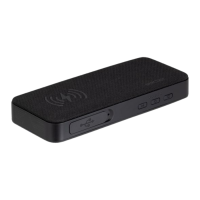
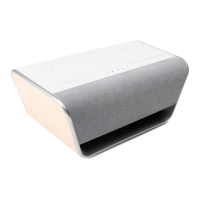
The wireless charging pads conveniently recharge
your Qi-compatible devices.
Extra Controls
04.


 To Next Page