12
Connecting Multiple Devices via UNISYNC
®
Using the UNISYNC
®
feature you can connect up to
50 UNISYNC
®
-compatible devices. In this example,
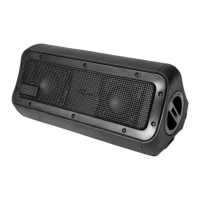
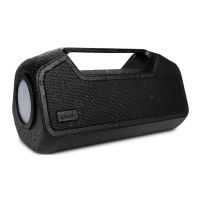
your Nomad 3+ is your primary device.
To connect a replica, short press the UNISYNC
®
button on your primary device once to enter
UNISYNC
®
Mode. Once the primary announces it is
in UNISYNC
®
Mode, repeat on the replica. After the
replica announces it is in UNISYNC
®
Mode, press the
UNISYNC
®
button on the primary device once more –
the replica will announce it is using UNISYNC
®
Audio.
The primary speaker will show a solid blue light while
replicas will show a flashing red and blue light.
Press UNISYNC
®
button again to disable UNISYNC
®
.*
Press and hold the UNISYNC
®
button for five seconds
to reset the UNISYNC
®
function.**
*If UNISYNC
®
is disabled, Nomad 3+ will disconnect
from but remember the replicas connected to it.
**Resetting UNISYNC
®
will enable Nomad 3+ to
‘forget’ all replica devices.
Operating Controls
04.


 To Next Page