Quick Start Guide
03.
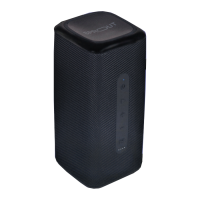
Charging Your Nomad 3+:
1. Connect the USB Type-C cable into the ‘USB-C
input’ and connect the USB-A end of cable into
a power source*.
2. The battery LED indicator will flash from one to
four LEDs to indicate Nomad 3+ is charging. The
lights will stop flashing once Nomad 3+ is fully
charged**.
07
Important note: Charging the Nomad 3+
requires the use of a power source*. The speaker
is supplied with a USB-A to USB-C charging
cable, but does not include a power source.
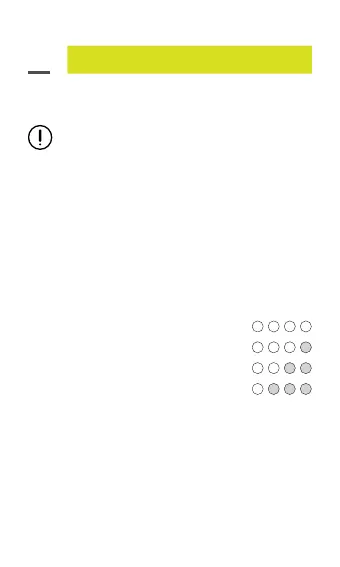
4 white lights on: Battery 100%
3 white lights on: Battery 75%
2 white lights on: Battery 50%
1 white light on: Battery requires recharge
The speaker will announce “Low Battery” when the
battery level reaches 10%.
*Power source options include USB connection to
an AC power adapter, a car charger or computer/
notebook USB connection.
**Full charge will take approximately 4 hours.


 To Next Page