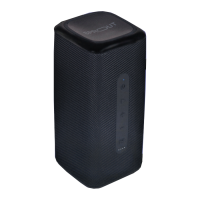
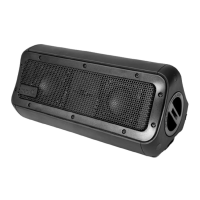
Turning Nomad 3+ on/off:
• Unscrew the protective screw cap anticlockwise
and change the main power on/off switch to the
‘on’ position. The Nomad 3+ is now on standby.
• To power on, press the Power/Bluetooth button.
A blue LED light on the Power/Bluetooth indicator
will show when the Nomad 3+ is on.
• To turn off, switch the main power on/off switch to
the ‘off’ position.
• Always ensure that the protective screw cap is
replaced and screwed clockwise until tightly
sealed. The Nomad 3+ is only waterproof when
this cap is tightly closed.
USB charging output:
• Nomad 3+ can recharge a variety of devices using
its 5,200mAh internal battery.
• Simply connect your device using a USB Type-A
cable into the USB output port.
Quick Start Guide
03.
08


 To Next Page