Rinse Aid Dispenser
The rinse aid is released during the final rinse to help remove spots and prevent film
build-up on your dishes, flatware and cookware, Also improves drying by allowing water
to sheet off the dishes,
ADDING RINSE AID
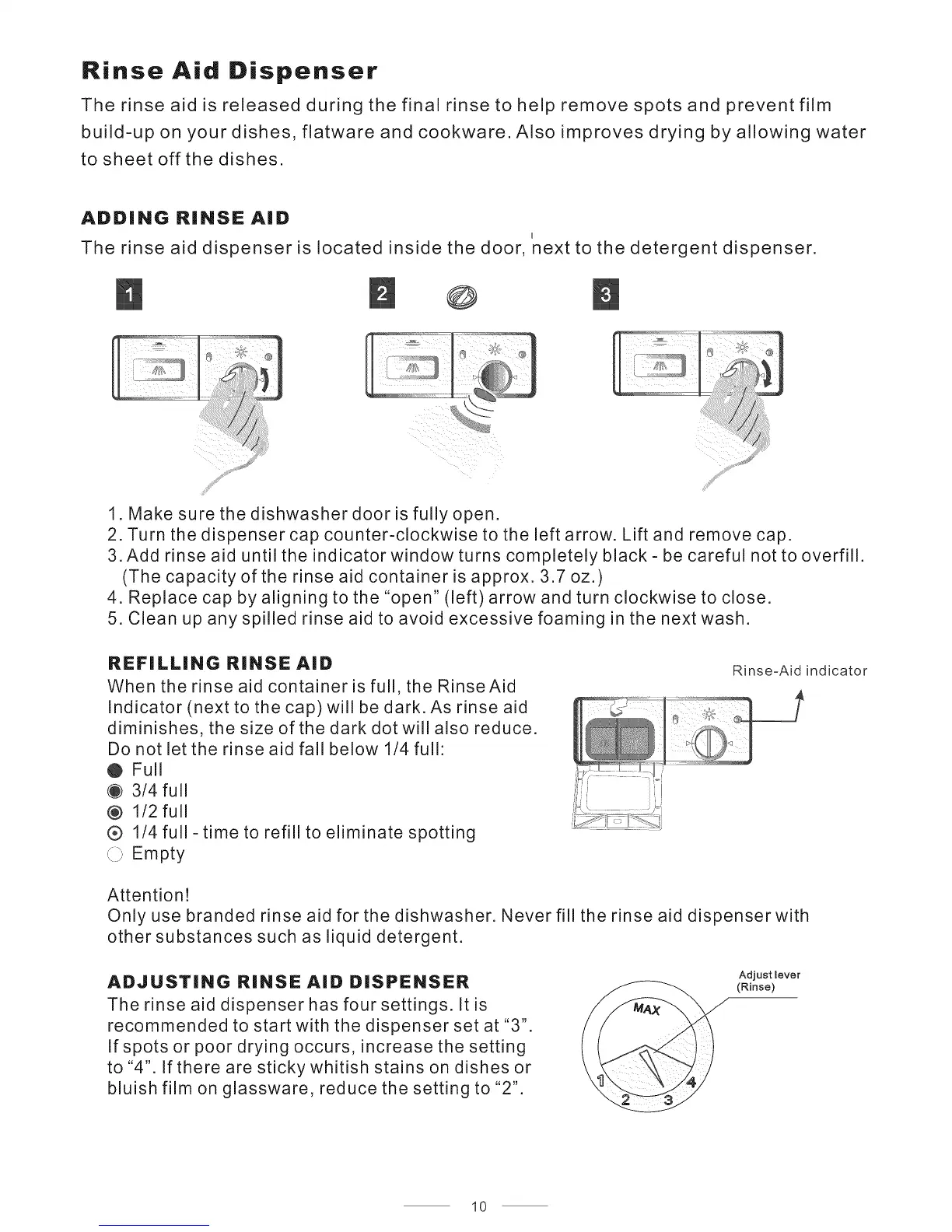
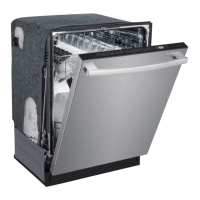
The rinse aid dispenser is located inside the door, next to the detergent dispenser.
O
1 Make sure the dishwasher door is fully open.
2. Turn the dispenser cap counter-clockwise to the left arrow. Lift and remove cap.
3. Add rinse aid until the indicator window turns completely black - be careful not to overfill.
(The capacity of the rinse aid container is approx. 3.7 oz.)
4. Replace cap by aligning to the "open" (left) arrow and turn clockwise to close.
5. Clean up any spilled rinse aid to avoid excessive foaming in the next wash.
REFiLLiNG RINSE AiD
When the rinse aid container is full, the Rinse Aid
Indicator (next to the cap) will be dark. As rinse aid
diminishes, the size of the dark dot will also reduce.
Do not let the rinse aid fall below 1/4 full:
O Full
@ 3/4 full
@ 1/2 full
® 1/4 full
_ X_i Empty
- time to refill to eliminate spotting
Rinse-Aid indicator
Attention!
Only use branded rinse aid for the dishwasher. Never fill the rinse aid dispenser with
other substances such as liquid detergent.
ADJUSTING RINSE AID DISPENSER
The rinse aid dispenser has four settings. It is
recommended to start with the dispenser set at "3".
If spots or poor drying occurs, increase the setting
to "4". If there are sticky whitish stains on dishes or
bluish film on glassware, reduce the setting to "2".
Adjust lever
(Rinse)
10


 To Next Page