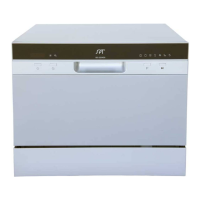
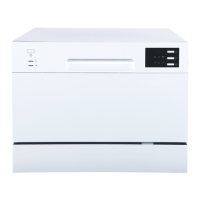
To get the best performance from your dishwasher, read all operating instructions.
IMPORTANT
1
6
1
2
6
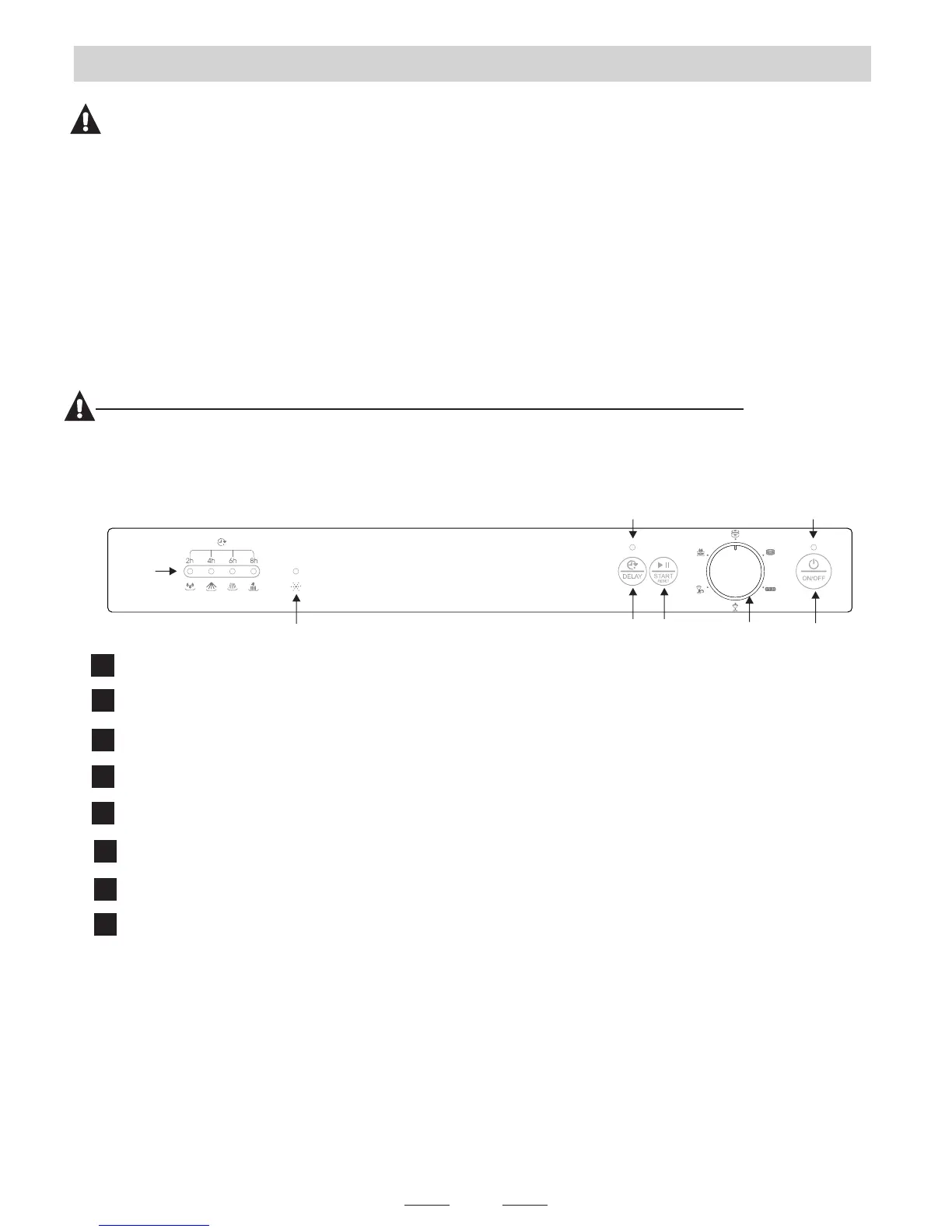
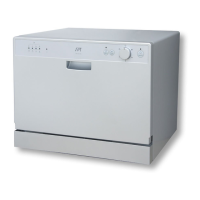
Power Button: Press to turn the unit ON/OFF
Power Indicator
Washing Program Selector: Turn knob to select desired wash cycle
Start/Pause Button: Press to START or PAUSE the dishwasher
Delay Button: Press to delay start of wash cycle
Delay Start Indicator
Rinse-Aid War ning Indicator: Indicates the rinse aid needs to be refilled
Delay Time / Wash Cycle Indicators: If delay start is initiated, indicates
delayed time (2, 4, 6, or 8 hours). If unit is operating, indicates current cycle
(pre-wash, wash, rinse, dry)
4
5
7
8
3
Attention:
After installation, please make sure to keep this manual.
OPERATING INSTRUCTIONS
Checklist
The following things should be checked before using the dishwasher:
The dishwasher is level
Water (faucet) is turned on
There are no leaks at the drain and inlet ports
The unit’s power plug is connected to a grounded outlet
Power is turned on
There are no kinks in the drain and inlet hoses
All packaging and printed materials are removed from the dishwasher
5
2
3
4
7
8
Control Panel
6


 To Next Page