EasyManua.ls Logo

SPT SD-31E - User Manual

SPT SD-31E
11 pages
Print Icon
To Next Page IconTo Next Page
Loading...
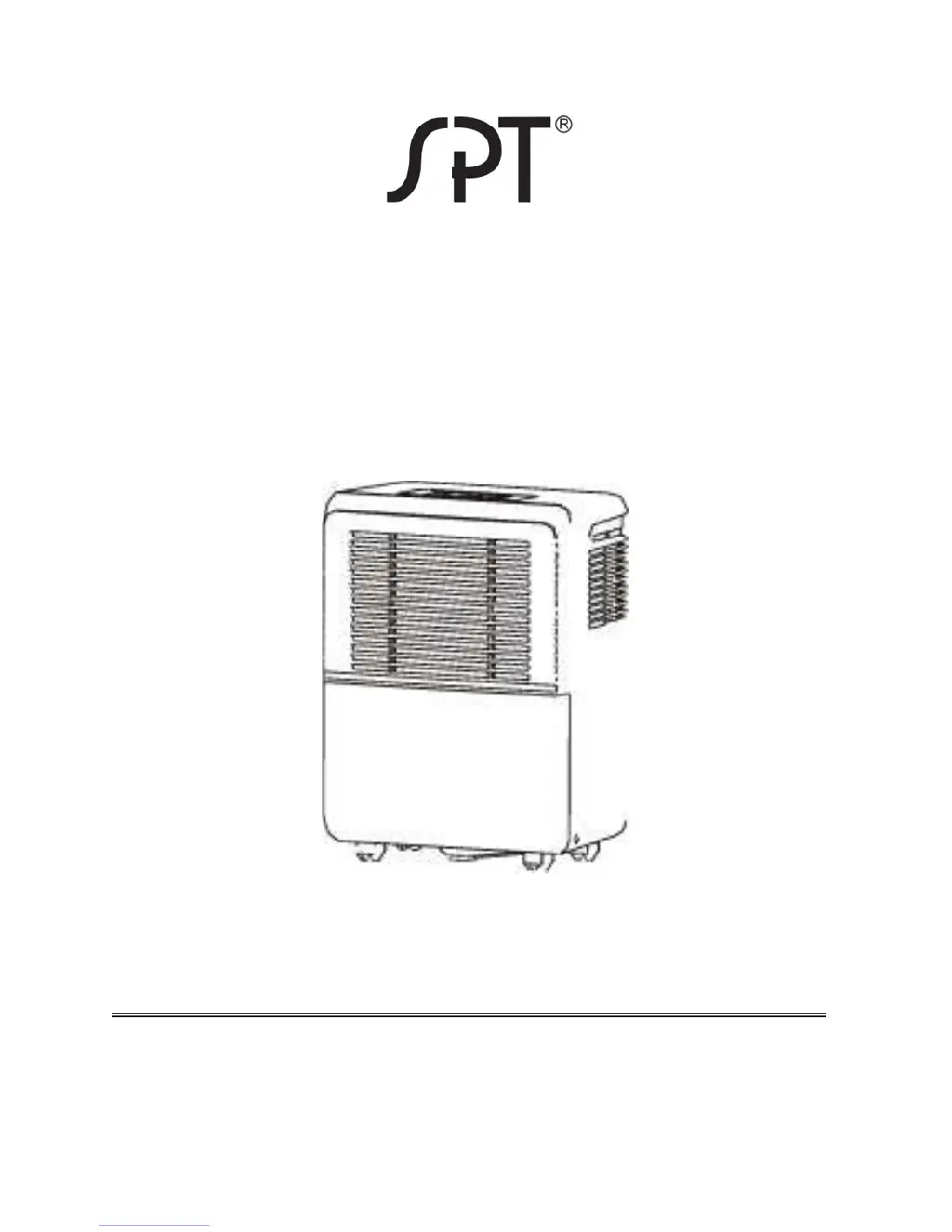
DEHUMIDIFIER
MODELS: SD-31E / SD-41E / SD-61E /
SD-71E
INSTRUCTION MANUAL
Please read these instructions thoroughly and
keep it in a safe place for future reference.
To buy: Contact Sylvane at 800-934-9194 or visit www.sylvane.com
Product support: Contact Sunpentown at http://1-800-330-0388

Questions and Answers

  • J
    Jared BrownJul 26, 2025
    What to do if my SPT SD-31E unit fails to start?
    • T
      Tiffany HartJul 26, 2025
      If your SPT Dehumidifier fails to start, check the following: * Ensure the power cord is securely plugged in and the power is on. Also, check the outlet, fuse, or circuit breaker. * Make sure the water bucket is correctly placed. * Empty the water bucket if it is full, or if the set humidity level has been reached.
  • C
    crawfordjohnJul 30, 2025
    Why is the performance of my SPT SD-31E decreased?
    • A
      Amber BushJul 30, 2025
      If you notice decreased performance in your SPT Dehumidifier, consider the following: * Clean the air filter, as a blocked filter can hinder performance. * Close all windows and doors to prevent moisture from entering the room. * Remove any obstacles blocking the air outlet or inlet. * Allow the unit more time to remove moisture from the air. * Adjust the humidity setting if it is set too high. * Increase the ambient temperature if it is below 41°F.
  • R
    Rebecca RuizAug 4, 2025
    What to do if there is water on the floor near my SPT Dehumidifier?
    • C
      Christopher SmithAug 4, 2025
      If you find water on the floor near your SPT Dehumidifier: * Tighten the hose connection if you are using continuous drainage. * If you're using the bucket, ensure the drain plug is securely replaced.
  • G
    Gabriel MartinezAug 8, 2025
    How to fix a noisy SPT SD-31E?
    • T
      thomaslopezAug 8, 2025
      If your SPT Dehumidifier is making unusual noises: * Make sure the unit is placed on a stable and level surface. * Clean the filter, as a blocked filter can cause noise.
  • A
    Andre CrawfordAug 12, 2025
    Why does frost appear on the coils of my SPT SD-31E?
    • A
      Amanda RichardsonAug 12, 2025
      If you notice frost appearing on the coils of your SPT Dehumidifier, note that this is normal. The dehumidifier has an auto-defrost feature, so continue using it normally.
  • D
    Desiree BoydAug 16, 2025
    Why is my SPT SD-31E not collecting as much water in winter?
    • G
      George GambleAug 16, 2025
      If your SPT Dehumidifier isn't collecting as much water during the winter months, it's because the absolute humidity level drops when the temperature is low. This is a normal occurrence.
  • M
    Michael EdwardsAug 20, 2025
    How to insert the continuous drain tube into my SPT SD-31E?
    • A
      Alex MartinezAug 21, 2025
      To ease the insertion of the continuous drain tube into your SPT Dehumidifier, soak the plastic white connector in hot water for a few minutes. This will soften the plastic and make the connection easier.

Summary

Safety Precautions

Electrical Information

Control Panel Overview

Control Buttons

Explanation of the function of each control button on the unit.

Display Panel Functions

Details about the display panel, including error and protection codes.

Other Features

Parts Identification

Front and Rear Parts

Lists the parts located on the front and rear of the dehumidifier.

Included Accessories

Details the included accessories with the dehumidifier.

Operating the Unit

Unit Positioning

Guidelines for placing the dehumidifier in an optimal location for effective operation.

Pre-Operation Checks

Essential steps before operating the unit for the first time.

Water Removal

Instructions on how to remove collected water from the bucket.

Continuous Drainage Setup

Guidance on connecting a hose for continuous water drainage.

Care and Maintenance

Cleaning Grilles and Housing

Instructions for cleaning the exterior parts of the dehumidifier.

Water Bucket Cleaning

Procedure for cleaning the water collection bucket to prevent mold.

Air Filter Maintenance

Steps for cleaning and replacing the air filter for optimal performance.

Storage Instructions

Guidance on how to properly store the dehumidifier when not in use.

Technical Specifications

Troubleshooting Guide

Warranty Information

SPT SD-31E Specifications

General IconGeneral
ModelSD-31E
Energy Star RatedYes
Noise Level51 dB
Control TypeElectronic
Capacity30 Pint
Coverage Area1500 sq. ft.
Filter TypeWashable
Drainage OptionContinuous Drainage Option
Special FeaturesAuto Restart, Adjustable Humidistat
Operating Temperature41°F - 89°F

Related product manuals