EasyManua.ls Logo

SPT SD-30E - User Manual

SPT SD-30E
10 pages
Print Icon
To Next Page IconTo Next Page
Loading...
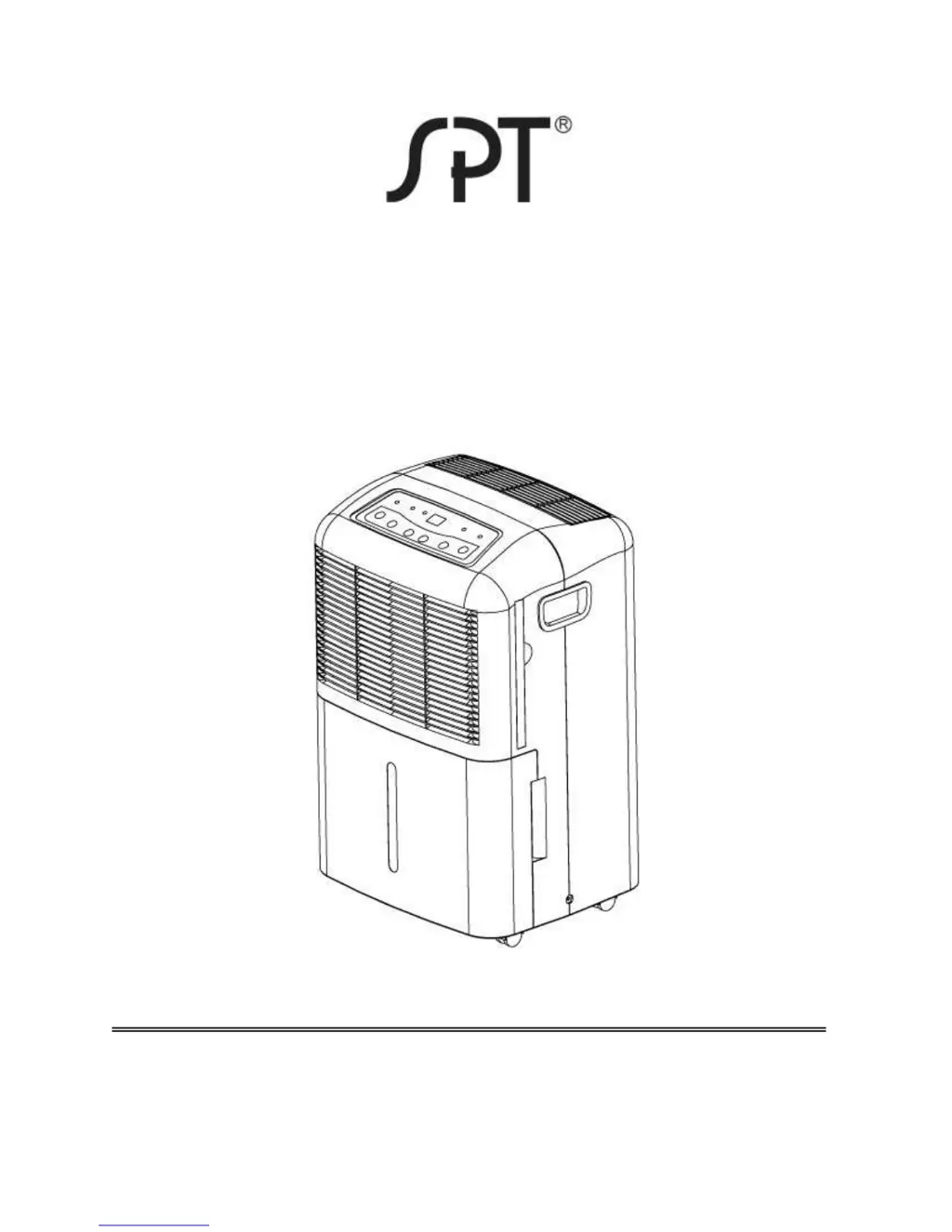
DEHUMIDIFIER
MODELS: SD-30E / SD-40E / SD-65E /
SD-70E
INSTRUCTION MANUAL
Please read these instructions thoroughly and
keep it in a safe place for future reference.

Questions and Answers

  • J
    Juan MendezJul 31, 2025
    What to do if my SPT SD-30E fails to operate?
    • J
      Jessica JensenJul 31, 2025
      If your SPT Dehumidifier isn't turning on, here's what to check: * Ensure the power is switched ON. * Verify the power cord is securely plugged in. * Make sure the water tank is correctly placed. * Empty the water tank if it's full. * Confirm that the set humidity level hasn't already been reached.
  • W
    wwilliamsAug 7, 2025
    Why is the performance of my SPT SD-30E Dehumidifier decreased?
    • M
      Matthew MaloneAug 7, 2025
      If your SPT Dehumidifier's performance has decreased, consider the following: * Check and clean the air filter, as it may be blocked. * Ensure that all room windows and doors are closed. * Remove any obstacles blocking the air outlet or inlet. * Allow sufficient time for the unit to remove moisture. * Adjust the humidity setting if it's set too high. * Verify that the ambient temperature is not too cold (below 41°F).
  • D
    David HoltAug 14, 2025
    How to reduce noise from my SPT SD-30E?
    • C
      Craig PhamAug 15, 2025
      If your SPT Dehumidifier is making excessive noise, here are a couple of things to investigate: * Ensure the unit is placed on a stable, level surface. * Check the filter; a blocked filter can sometimes cause noise.
  • K
    kimberly01Aug 22, 2025
    What to do if there's water on the floor near my SPT SD-30E?
    • K
      Kristin RobinsonAug 22, 2025
      If you find water on the floor near your SPT Dehumidifier, check these potential causes: * Ensure the hose connection for continuous drainage is tightly secured. * If you're using the bucket for water collection, make sure the back drain plug is properly installed.

Summary

Safety Precautions

General Safety Guidelines

Covers electrical safety, physical hazards, operational rules, and maintenance warnings for safe use.

Control Panel Overview

Control Panel Components and Functions

Details buttons like Power, Continuous, Turbo, Normal, Humidity +/- and indicators like Power, Full, Turbo, Normal.

Installation Guide

Installation Guidelines and Clearance

Provides instructions on placing the dehumidifier and required clearance around the unit for optimal airflow.

Troubleshooting Guide

Common Operational Problems and Checks

Lists common issues like unit failure, decreased performance, noise, frost, and water on floor with troubleshooting steps.

Error Code Display Meanings

Explains the meaning of display codes (P1, P2, E1, E2) and corresponding actions.

SPT SD-30E Specifications

General IconGeneral
ModelSD-30E
TypeDehumidifier
Dehumidification Capacity30 pints per day
Energy Star RatedYes
Weight40 lbs
Dimensions15.25 x 10.75 x 24.25 inches
Operating Temperature41°F - 95°F

Related product manuals