EasyManua.ls Logo

SPT SD-71E - User Manual

SPT SD-71E
11 pages
Print Icon
To Next Page IconTo Next Page
Loading...
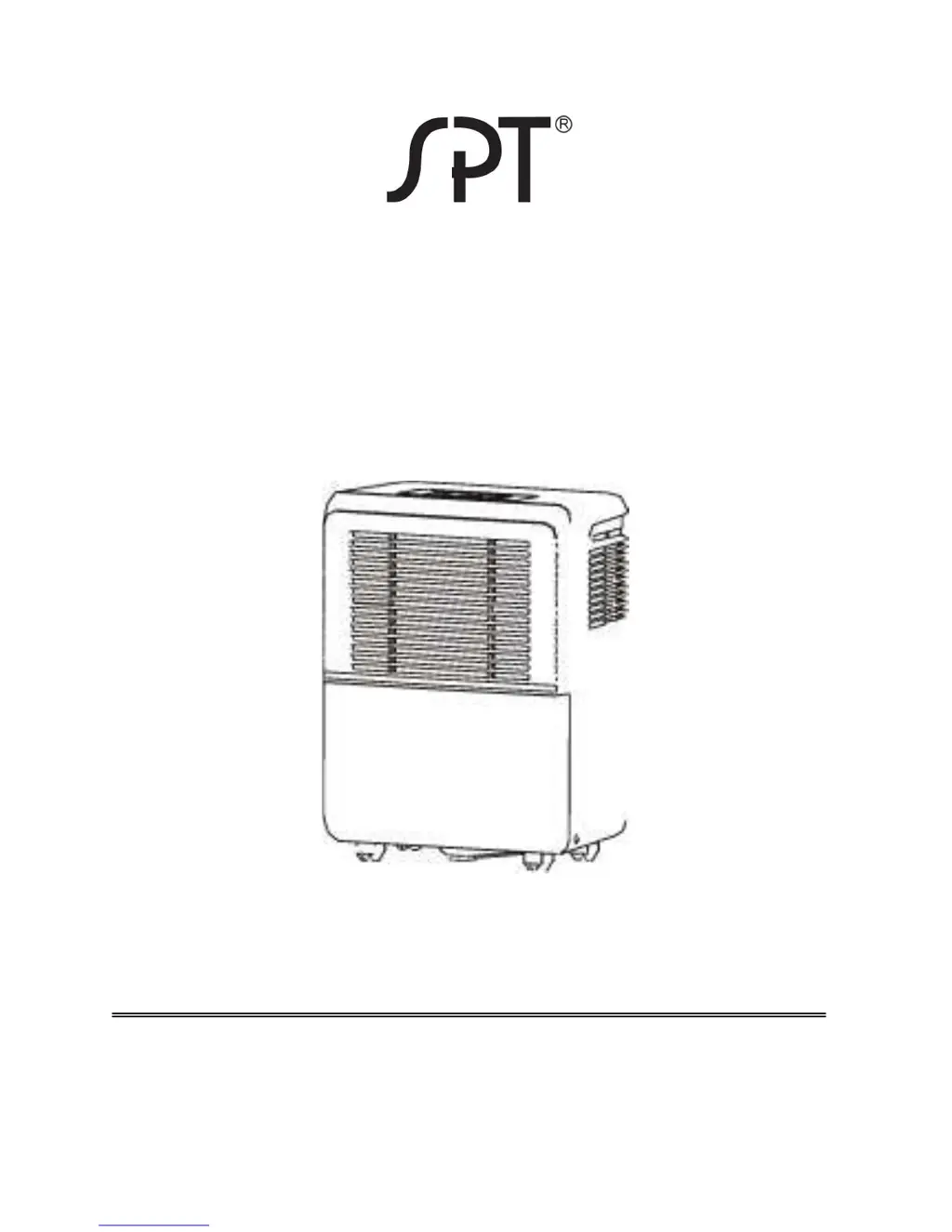
DEHUMIDIFIER
MODELS: SD-31E / SD-41E / SD-61E /
SD-71E
INSTRUCTION MANUAL
Please read these instructions thoroughly and
keep it in a safe place for future reference.
To buy: Contact Sylvane at 800-934-9194 or visit www.sylvane.com
Product support: Contact Sunpentown at http://1-800-330-0388

Questions and Answers

  • W
    William AdamsAug 3, 2025
    What to do if my SPT SD-71E Dehumidifier unit fails to start?
    • C
      Christopher WashingtonAug 3, 2025
      If your SPT Dehumidifier fails to start, check the following: * Ensure the power cord is securely plugged in and the power is on. Also, check the outlet, fuse, or circuit breaker. * Make sure the water bucket is correctly placed. * Empty the water bucket if it is full, or if the set humidity level has been reached.
  • J
    Joshua MooreAug 8, 2025
    Why is the performance of my SPT SD-71E decreased?
    • H
      hrobinsonAug 8, 2025
      If you notice decreased performance in your SPT Dehumidifier, consider the following: * Clean the air filter, as a blocked filter can hinder performance. * Close all windows and doors to prevent moisture from entering the room. * Remove any obstacles blocking the air outlet or inlet. * Allow the unit more time to remove moisture from the air. * Adjust the humidity setting if it is set too high. * Increase the ambient temperature if it is below 41°F.
  • R
    Rachel MirandaAug 12, 2025
    What to do if there is water on the floor near my SPT SD-71E Dehumidifier?
    • R
      Ricky ThomasAug 12, 2025
      If you find water on the floor near your SPT Dehumidifier: * Tighten the hose connection if you are using continuous drainage. * If you're using the bucket, ensure the drain plug is securely replaced.
  • L
    Linda ButlerAug 16, 2025
    How to fix a noisy SPT SD-71E Dehumidifier?
    • Y
      yolanda15Aug 16, 2025
      If your SPT Dehumidifier is making unusual noises: * Make sure the unit is placed on a stable and level surface. * Clean the filter, as a blocked filter can cause noise.
  • S
    Stephen KempAug 20, 2025
    Why does frost appear on the coils of my SPT SD-71E?
    • D
      Daniel BallardAug 21, 2025
      If you notice frost appearing on the coils of your SPT Dehumidifier, note that this is normal. The dehumidifier has an auto-defrost feature, so continue using it normally.
  • E
    Emily MendezAug 25, 2025
    Why is my SPT SD-71E not collecting as much water in winter?
    • A
      Ashley MillerAug 26, 2025
      If your SPT Dehumidifier isn't collecting as much water during the winter months, it's because the absolute humidity level drops when the temperature is low. This is a normal occurrence.
  • S
    Scott AllenAug 29, 2025
    How to insert the continuous drain tube into my SPT Dehumidifier?
    • R
      Raven RobertsAug 29, 2025
      To ease the insertion of the continuous drain tube into your SPT Dehumidifier, soak the plastic white connector in hot water for a few minutes. This will soften the plastic and make the connection easier.

Summary

Control Panel Overview

Control Buttons

Explains the function of each control button on the unit, including power, fan speed, and timer.

Display Panel

Details the display panel functions, including humidity levels and error/protection codes like AS, ES, P2, EC.

Identification of Dehumidifier Parts

Front Components

Lists and identifies the front components of the dehumidifier, such as the control panel and air grilles.

Rear Components

Lists and identifies the rear components of the dehumidifier, including the drain outlet and power cord.

Included Accessories

Lists the accessories provided with the dehumidifier, such as a drain hose and adapter.

Operating the Dehumidifier

Unit Positioning

Provides guidelines on where and how to position the dehumidifier for optimal use and airflow.

Collecting and Draining Water

Details on removing the water bucket and setting up continuous drainage.

Care and Maintenance

Cleaning Components

Instructions for cleaning the grille, housing, water bucket, and air filter.

Storage Procedures

Steps for properly storing the dehumidifier when not in use.

Technical Specifications and Troubleshooting

Product Specifications

Lists technical data for different models, including moisture removal, power, and dimensions.

Troubleshooting Guide

Provides solutions for common problems like unit failure, noise, or frost.

SPT SD-71E Specifications

General IconGeneral
BrandSPT
ModelSD-71E
CategoryDehumidifier
LanguageEnglish

Related product manuals