EasyManua.ls Logo

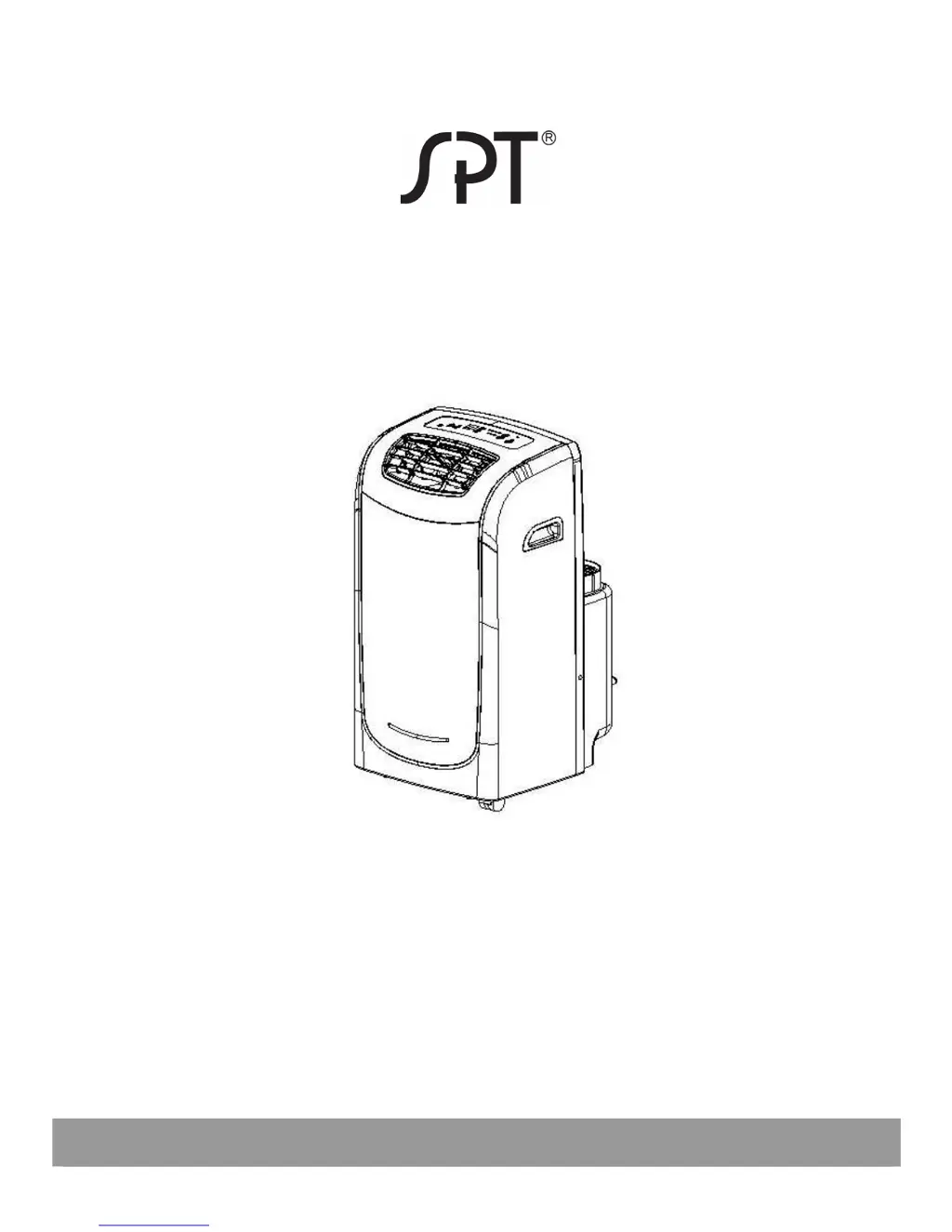
SPT WA-1150DE - User Manual

SPT WA-1150DE
19 pages
Print Icon
To Next Page IconTo Next Page
Loading...
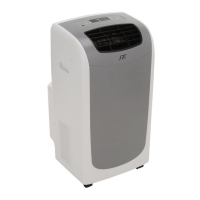
PORTABLE AIR CONDITIONER
DUAL-HOSE SYSTEM
WA-1150DE: 11,000 BTU
WA-1350DE: 13,000 BTU
Read and retain these instructions for future reference

Other manuals for SPT WA-1150DE

Questions and Answers

  • A
    Adrian YuJul 31, 2025
    Why is my SPT Air Conditioner not cool enough?
    • T
      Thomas OrtizJul 31, 2025
      Your SPT Air Conditioner might not be cooling effectively due to several reasons: * Windows or doors are open: Ensure all windows and doors in the room are closed. * Heat sources: Remove any heat sources from the room if possible. * Exhaust duct: Check that the exhaust air duct is properly connected and not blocked, without sharp bends. * Temperature setting: Lower the set temperature on your unit. * Air filter: Clean the air filter if it's blocked by dust.
  • D
    david87Aug 6, 2025
    What to do if my SPT Air Conditioner is noisy or vibrating?
    • J
      Jennifer JohnsonAug 6, 2025
      If your SPT Air Conditioner is producing excessive noise or vibration, it might be because the unit is not on a level surface. If possible, move the unit to a flat and even surface.
  • D
    Daniel RichAug 11, 2025
    What does E1 error mean on my SPT WA-1150DE Air Conditioner?
    • K
      Kyle TannerAug 12, 2025
      If your SPT Air Conditioner displays an E1 error (Evaporator temperature sensor error), unplug the unit, wait a few moments, and then plug it back in. If the error persists, contact Sunpentown Customer Service.
  • D
    Denise SimonAug 18, 2025
    What does E2 error mean on my SPT WA-1150DE?
    • D
      Diana RichardsonAug 18, 2025
      If your SPT Air Conditioner displays an E2 error (Room temperature sensor error), unplug the unit, wait a few moments, and then plug it back in. If the error repeats, contact Sunpentown Customer Service.
  • E
    Eric DelgadoAug 25, 2025
    How to fix P1 error on my SPT WA-1150DE?
    • C
      Cathy GarciaAug 25, 2025
      To resolve a P1 error (Bottom water tray is full) on your SPT Air Conditioner, drain the water according to the instructions.

Summary

Specifications

Specifications

Technical details including cooling capacity, power, dimensions, and operating conditions.

Operating Conditions

Recommended temperature ranges for COOL and DRY modes.

Safety Precautions

Safety Rules

Guidelines to prevent injury and damage during operation and handling.

Electrical Information

Warnings and instructions regarding proper grounding and power cord usage.

Parts Identification

Accessories

Lists included accessories with quantities and images.

Suggested Tools for Window Kit Installation

Lists recommended tools for installing the window kit.

Front and Back of Unit

Diagrams labeling the front and back components of the air conditioner.

Air Conditioner Features

Control Panel Overview

Explanation of buttons and indicators on the unit's control panel.

Operating Instructions

Details on how to use the unit in different modes (Cool, Dry, Fan).

Installation Instructions

Location Requirements

Guidelines for placing the unit to ensure stability and airflow.

Window Kit Installation

Instructions for installing the window slider kit for different window types.

Exhaust Hose Installation

Steps for connecting and routing the exhaust hose correctly.

Care and Maintenance

Cleaning and Maintenance Procedures

Instructions for cleaning the air filter, housing, and general care.

Storage Instructions

Steps for storing the unit when not in use, including drainage and power.

Troubleshooting Tips

Common Problems and Solutions

A table listing common issues, their causes, and suggested remedies.

Error and Protection Codes

Explains specific error (E1, E2) and protection (P1) codes.

Energy Saving Tips

Advice on optimizing energy usage for efficiency.

Remote Controller

Handling the Remote Controller

Guidelines for using the remote, including range and placement.

Replacing Batteries

Instructions on how to change batteries in the remote.

Function Buttons Explained

Detailed explanation of each button on the remote control.

Display Panel Explained

Description of indicators and displays on the remote control.

Using the Remote Controller

Step-by-step guide for operating the unit via the remote in different modes.

Warranty

Your Guarantee

Details of the product warranty, coverage, and exclusions.

SPT WA-1150DE Specifications

General IconGeneral
BrandSPT
ModelWA-1150DE
CategoryAir Conditioner
LanguageEnglish

Related product manuals