EasyManua.ls Logo

SPT WA-8070E - User Manual

SPT WA-8070E
19 pages
Print Icon
To Next Page IconTo Next Page
Loading...
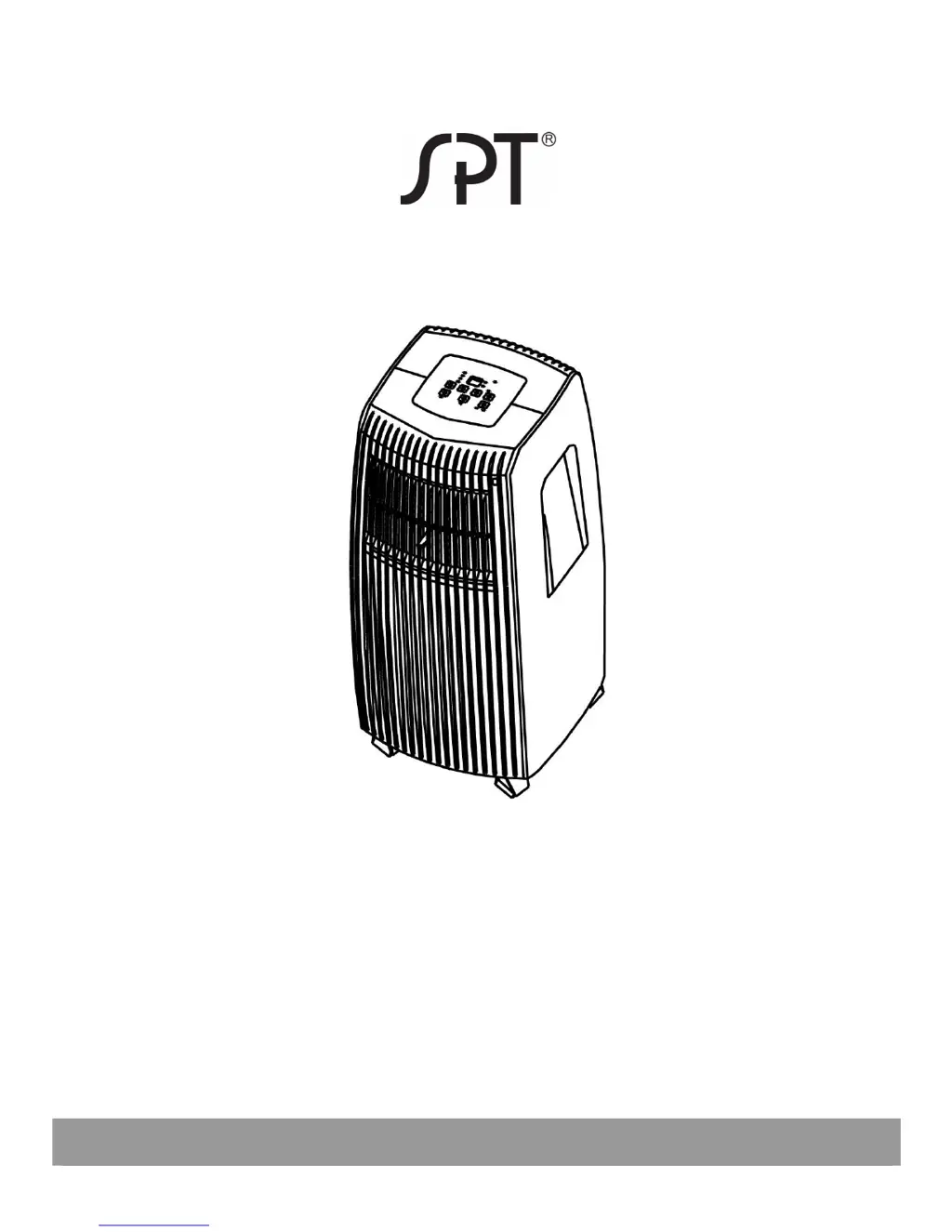
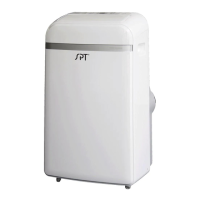
PORTABLE AIR CONDITIONER
WA-8070E: 8,000 BTU
WA-1070E: 10,000 BTU
Read and retain these instructions for future reference

Questions and Answers

  • R
    Rachel StoneJul 30, 2025
    Why is my SPT WA-8070E not cool enough?
    • J
      Jason MeyersJul 30, 2025
      If your SPT Air Conditioner isn't cooling sufficiently, several factors could be at play. First, ensure all windows and doors in the room are closed to prevent warm air from entering. Next, identify and remove any heat sources that might be affecting the unit's performance. Verify that the exhaust air duct is properly connected and free from obstructions or sharp bends. Check the temperature setting and lower it if it's set too high. Finally, a blocked air filter can also reduce cooling efficiency, so clean the air filter.
  • C
    Charles TannerAug 14, 2025
    What to do if my SPT WA-8070E does not start?
    • M
      Michael RowlandAug 14, 2025
      If your SPT Air Conditioner doesn't start when you press the power button, it could be due to a couple of reasons. One possibility is that the display shows a 'P1' error code, which means you need to drain the water from the bottom tray. Alternatively, if you're in cooling mode, the room temperature might be lower than the set temperature. In that case, try setting the temperature to a lower setting.

Summary

Social Remark

Product Disposal

Instructions for proper disposal of the product and packaging materials.

Specifications

Operating Conditions

Specifies the recommended room temperature ranges for COOL and DRY modes.

Safety Precautions

General Safety Guidelines

Key safety rules to prevent injury, damage, and fire hazards during operation.

Electrical Safety Information

Information on proper grounding, wiring, and avoiding electrical hazards.

Parts Identification

Air Conditioner Features

Control Panel Overview

Description of buttons and indicators on the unit's control panel.

Operating Instructions

Operating Modes

Details on using the unit in Cool, Dry, Auto, and Fan modes.

Timer and Sleep Functions

Instructions for setting auto-on/off timers and the sleep mode.

Air Flow Direction Adjustment

Guidance on manually adjusting the air louvers for desired airflow.

Installation Instructions

Unit Placement (Location)

Recommendations for positioning the unit for stability, airflow, and safety.

Window Kit Installation

Steps for installing the window slider kit for exhaust hose setup.

Sash Window Installation

Specific steps for fitting the window kit in double-hung sash windows.

Sliding Window Installation

Specific steps for fitting the window kit in sliding windows.

Exhaust Hose Setup

Instructions for connecting and routing the exhaust hose correctly.

Water Drainage Methods

Procedures for continuous drainage and emptying the built-in water tank.

Care and Maintenance

Air Filter Cleaning

Guidance on removing, cleaning, and reinstalling air filters.

Housing Cleaning

Instructions for cleaning the unit's exterior housing.

Unit Storage

Steps for preparing the unit for storage, including drying and cord management.

Troubleshooting Tips

Common Problems and Solutions

Table listing common issues and their suggested remedies.

Error Code Explanations

Descriptions of error codes and troubleshooting steps.

Energy Saving Advice

Tips to optimize energy efficiency during operation.

Remote Controller

Remote Handling and Battery Replacement

Instructions for using the remote and replacing batteries.

Remote Control Buttons

Detailed explanation of each button's function on the remote control.

Remote LCD Indicator Guide

Explanation of symbols and displays on the remote's LCD screen.

Remote Operation Modes

How to operate the unit using the remote for different modes.

Timer Operation Modes

Setting auto-on, auto-off, and combined timer functions via remote.

Economy (Sleep) Mode

Details on activating and the function of the economy/sleep mode.

Warranty

Guarantee Terms and Coverage

Information regarding the product warranty, coverage, and exclusions.

SPT WA-8070E Specifications

General IconGeneral
Typeportable
Colordark gray/white, multi
Operating Area Size250 square feet
Cooling Settings4
Seasonally Adjusted Cooling Capacity4000 british thermal units
Heaterno
Fan Airflow Rate292.5 cubic feet per minute
Filterwashable
Hosesingle
Remote Controlyes
Wireless Connectivitynone
Timeryes
Sleeping Modeno
Current7.9 amperes
Height29.5 inches
Width13.75 inches
Net Weight51 pounds

Related product manuals